If you are choosing between an Epson I1600 and I3200 wall printer, the short answer is:
Choose the I1600 if you want a lower-cost commercial machine and your daily print volume is moderate.
Choose the I3200 if faster production and future workload growth matter more than the lowest initial price.
The biggest difference is not maximum DPI.
It is nozzle count and throughput potential.
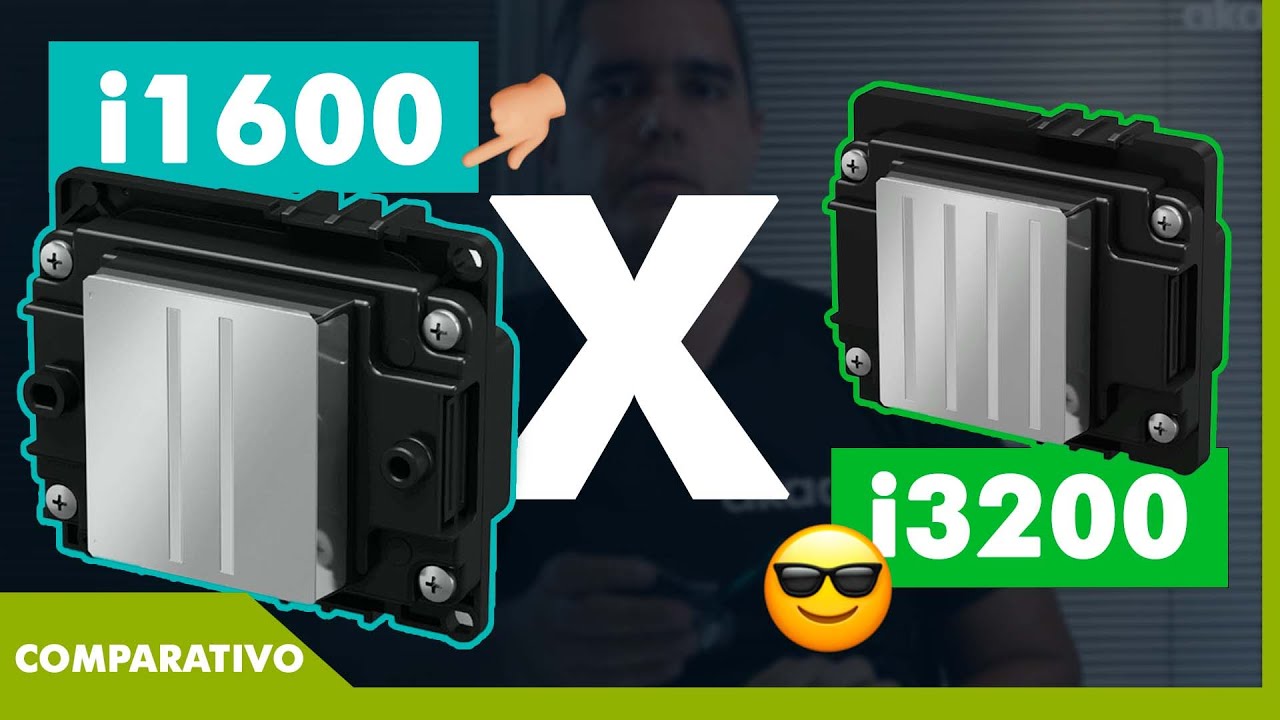
For UV wall printers, the relevant Epson variants are typically the I1600-U1 and I3200(4)-U1. Epson officially lists both as PrecisionCore MicroTFP printheads compatible with UV and eco-solvent ink. The I1600 has 1,600 nozzles, while the I3200 has 3,200. Both have the same 33.8 mm effective print width and the same listed nozzle resolution of 300 npi per row and 600 npi across two rows.
That means the I3200 has more nozzle capacity, but it is not automatically twice as sharp or twice as fast.
For someone buying a wall printer, the more useful question is:
“How much extra production will the I3200 give me on this exact machine?”
Factor | Epson I1600-U1 | Epson I3200(4)-U1 |
|---|---|---|
Printhead type | PrecisionCore MicroTFP | PrecisionCore MicroTFP |
Total nozzles | 1,600 | 3,200 |
Nozzle rows | 4 | 8 |
Effective width | 33.8 mm | 33.8 mm |
Nozzle resolution | 300 npi/row | 300 npi/row |
Max ink colors | 4 | 4 |
Main advantage | Lower system cost | Higher throughput potential |
Best fit | Lower to medium volume | Growing commercial volume |
1. What Is the Real Difference Between I1600 and I3200?
The two printheads are more similar than many wall-printer advertisements suggest.
Both belong to Epson's current I-Series PrecisionCore MicroTFP platform.
Both have the same effective printing width.
Both support UV-compatible U1 versions.
And both can produce commercial-quality wall graphics when the complete printer is properly designed.
The main hardware difference is simple:
I1600 = 1,600 nozzles
I3200 = 3,200 nozzles
Why Nozzle Count Matters
More nozzles give a printer manufacturer more ink-delivery capacity to work with.
That can make it easier to build higher-throughput printing modes around the I3200.
But do not interpret:
3,200 nozzles vs 1,600 nozzles
as:
2× the real wall-printing speed.
A printhead does not determine production speed by itself.
The final wall printing machine also depends on carriage movement, head count, pass mode, RIP settings and ink configuration.
A well-tuned I1600 machine can therefore outperform a poorly designed I3200 machine in an actual customer job.
They Have the Same Print Width
This is worth noting.
Both heads have an effective printing width of 33.8 mm according to Epson.
So the I3200 is not simply covering twice the physical width on every carriage pass.
Its advantage comes from having more nozzle rows and more available firing points within the same general printhead footprint.
That gives machine designers greater throughput potential without making the printhead physically twice as wide.
Check the Exact Suffix
Do not accept:
“Epson I3200 printhead.”
Ask for the exact model.
For example:
I1600-U1 / I3200(4)-U1 → UV / Eco-Solvent
I1600-A1 / I3200(4)-A1 → Aqueous
Epson currently offers several I3200 variants, including 4-color and 8-color architectures.
If you are buying a UV wall printer, ink compatibility must match the actual head variant.
2. How Do They Change Speed and Print Quality?
For most buyers, this is the section that matters most.
The I3200's strongest reason to upgrade is production capacity, not simply image sharpness.
I3200 Has More Throughput Potential
With twice the nozzle count, the I3200 gives manufacturers more capacity to deliver ink during each printing cycle.
That becomes useful when you have:
More murals per week.
Larger commercial projects.
Tighter customer deadlines.
More CMYK+White production.
For a full-time commercial operator, a faster workflow can justify paying more for the machine.
But there is no responsible universal statement such as:
“I3200 is always 25% faster.”
WallPrintGear's own wall-printer guidance makes the same point: real production speed depends on pass count, white ink, movement system, surface and complete machine design, not the head name alone.
I3200 Is Not Automatically Sharper
This is another common misunderstanding.
Epson lists the same:
300 npi per row
and
600 npi across two rows
for both I1600 and I3200.
Therefore, you should not tell customers:
“I3200 has twice the resolution.”
It does not.
Image quality on a vertical wall printer also depends on:
Pass count
Droplet control
RIP settings
Motion accuracy
Printhead distance
A stable I1600 machine can produce excellent photographic murals.
For most normal indoor wall graphics, your customer is unlikely to choose between two murals simply because one was produced with an I1600 and the other with an I3200.
The Difference Appears Under Workload
The I3200 becomes more attractive when the same machine needs to maintain quality while completing more work.
Imagine two businesses.
One prints two or three residential murals each week.
The other prints restaurants, offices and commercial murals almost every day.
Both may be satisfied with the same visual quality.
But the second business values faster job turnover much more.
That is where I3200 becomes easier to justify.
Compare the Same Print Mode
When comparing quotations, ask both suppliers to print:
The same artwork + same wall + same pass mode + same ink setup
Then record:
Total area / total print time
Do not compare an I1600 operating in high-detail CMYK+White mode with an I3200 running draft CMYK.
That tells you nothing about the heads.
3. What About White Ink, Maintenance, and Replacement Cost?
Printhead selection affects ownership cost, but the head itself is only one part of reliability.
This is especially important for UV wall printers using white ink.
White Ink Depends on the Machine
Dark-wall printing normally requires a white underbase.
White pigment settles more easily than standard CMYK ink, so a good wall mural printer needs an appropriate white-ink circulation or agitation system.
But this is not something you should automatically attribute to I1600 or I3200.
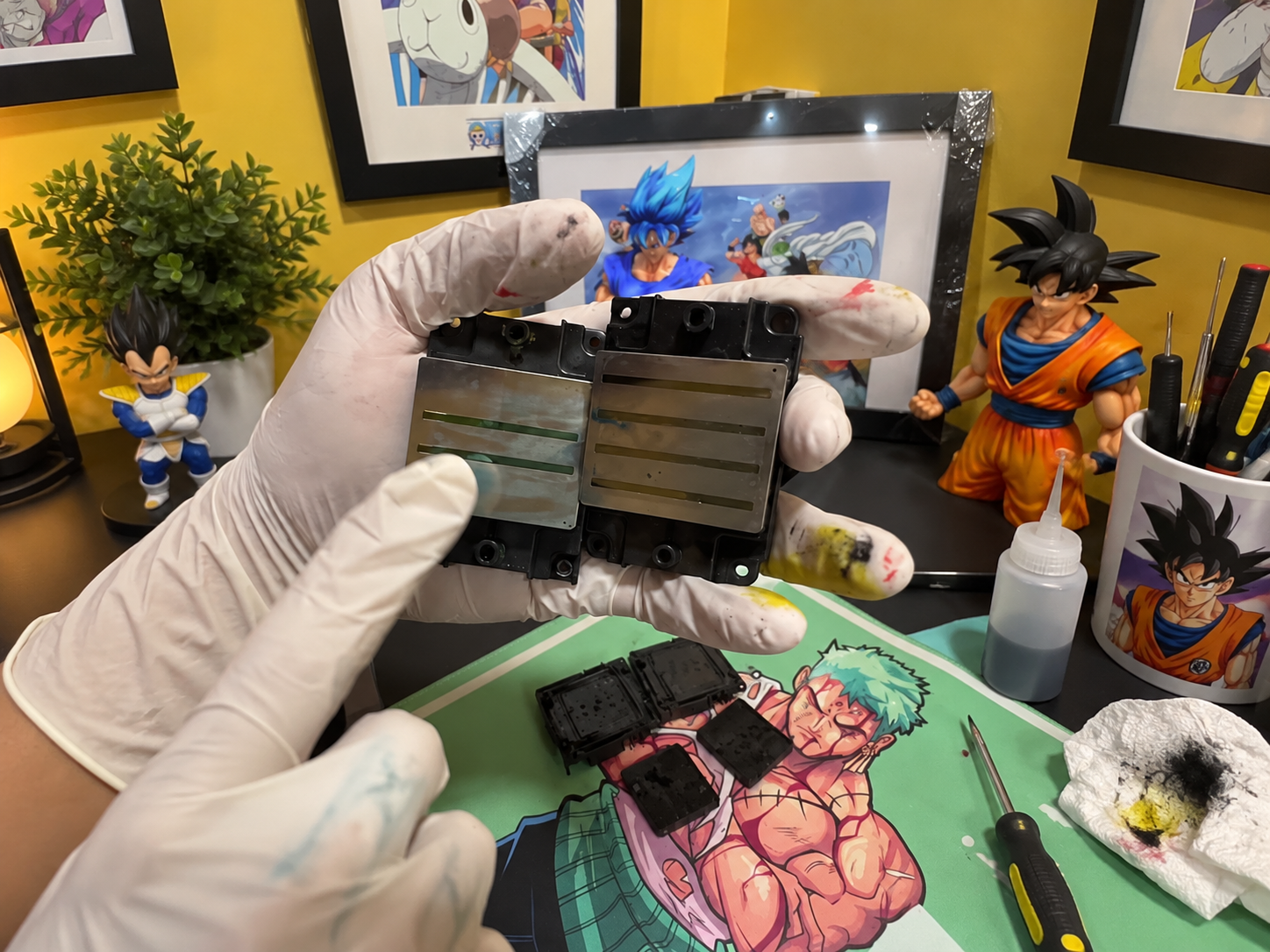
Epson's current specifications list ink recirculation as not available inside the standard I1600 and I3200 I-Series heads.
The wall-printer manufacturer therefore needs to manage white ink through the machine's ink-delivery system.
That makes these questions more useful than asking:
“Is I3200 better for white ink?”
Ask instead how the machine circulates white ink, what happens during idle periods and how the negative-pressure ink system is maintained.
Head Count Matters Too
Do not compare:
Single I1600
against
Dual I3200
and conclude that all the difference comes from the printhead model.
A dual-head configuration may separate CMYK and white ink.
That can improve productivity because color and white workflows do not have to depend on exactly the same head configuration.
WallPrintGear also notes that single-head and dual-head systems can differ significantly in price, maintenance exposure and white-ink productivity.
So always confirm:
Head model + head quantity + ink allocation
before comparing two machines.
Do Not Use Fixed Lifespan Claims
I would remove statements such as:
I1600 = 12–18 months
I3200 = 24 months
There is no useful universal service-life number.
Real printhead life changes with ink, white-ink maintenance, idle periods, cleaning habits, environment and accidental head strikes.
Wall printing creates another special risk:
the wall itself.
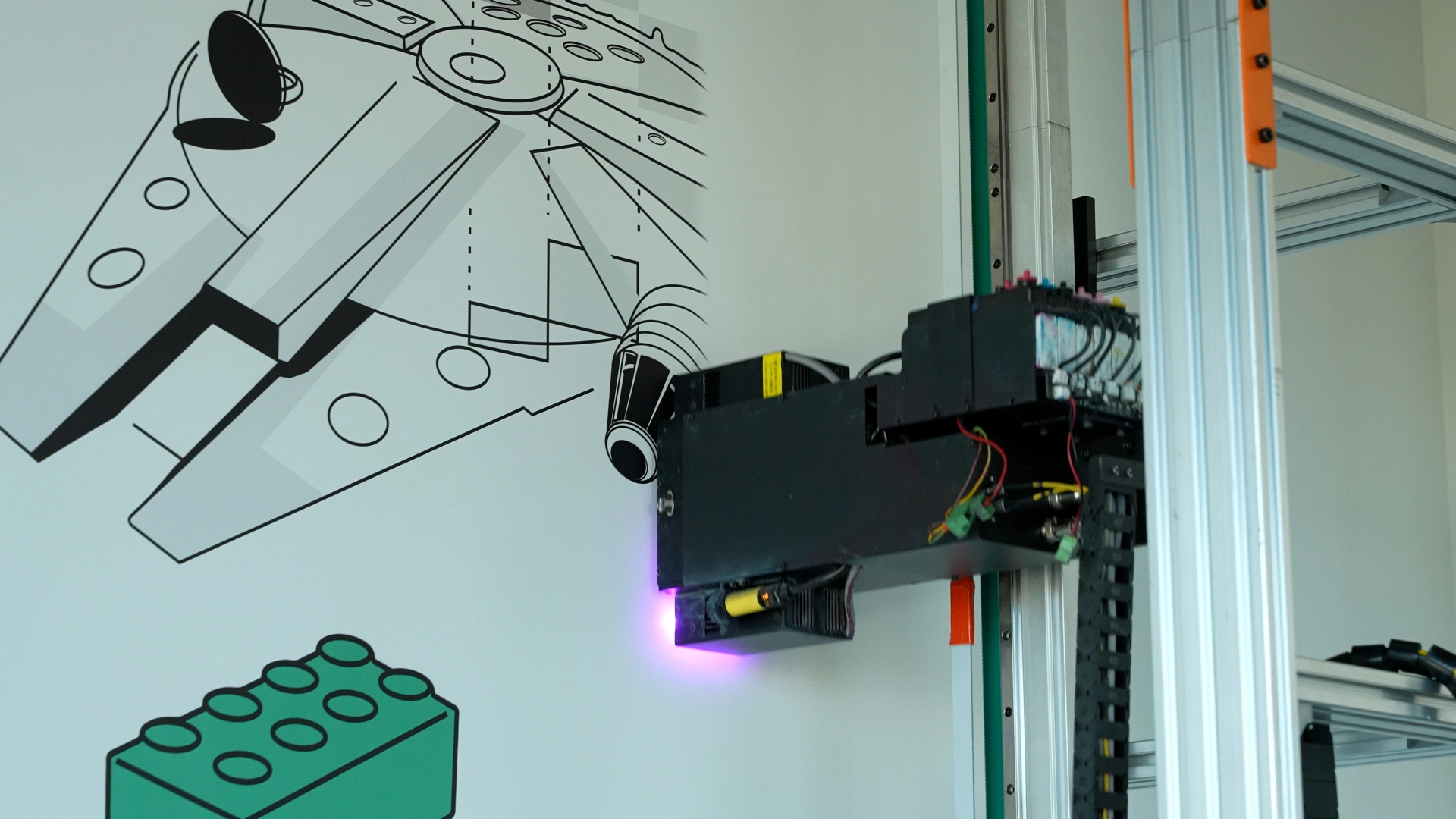
Unlike a flatbed printer, a wall printer works beside an architectural surface that may not be perfectly flat.
A poor distance-sensing system can put an expensive printhead too close to the wall.
That means automatic wall-distance sensing may protect your investment more than choosing one Epson model over another.
Calculate Replacement Risk
Before buying, ask the supplier only five questions:
What exact printhead model is installed?
What is today's replacement price?
Is the head normally kept in stock?
What printhead damage does the warranty exclude?
Can replacement and calibration be supported remotely?
Those answers tell you much more about real maintenance cost than an estimated lifespan from a generic article.
4. Which Printhead Should You Choose?
The decision becomes fairly simple once you stop comparing maximum DPI.
Choose I1600 for Lower-Volume Work
The I1600 is a strong option if you are starting a wall-printing business and need commercial quality without paying for capacity you may not use.
It fits particularly well when:
Your order volume is still developing.
Speed is not your main bottleneck.
Your budget is tighter.
The complete machine is well engineered.
This does not make I1600 an “entry-level quality” printhead.
Its official Epson specifications still place it in the same PrecisionCore I-Series platform and give it the same effective print width and nozzle resolution class as the I3200.
WallPrintGear likewise notes that a properly built single-head I1600 system can be perfectly adequate for bedrooms, cafés, restaurants, offices and smaller commercial projects.
Choose I3200 for Higher Throughput
The I3200 makes more sense when you already expect regular paid work and production time matters.
Its 3,200 nozzles provide more throughput potential than the 1,600-nozzle I1600 architecture.
That can matter for businesses handling:
Larger murals.
More jobs per week.
Commercial deadlines.
Growing production volume.
In that situation, a more expensive professional w
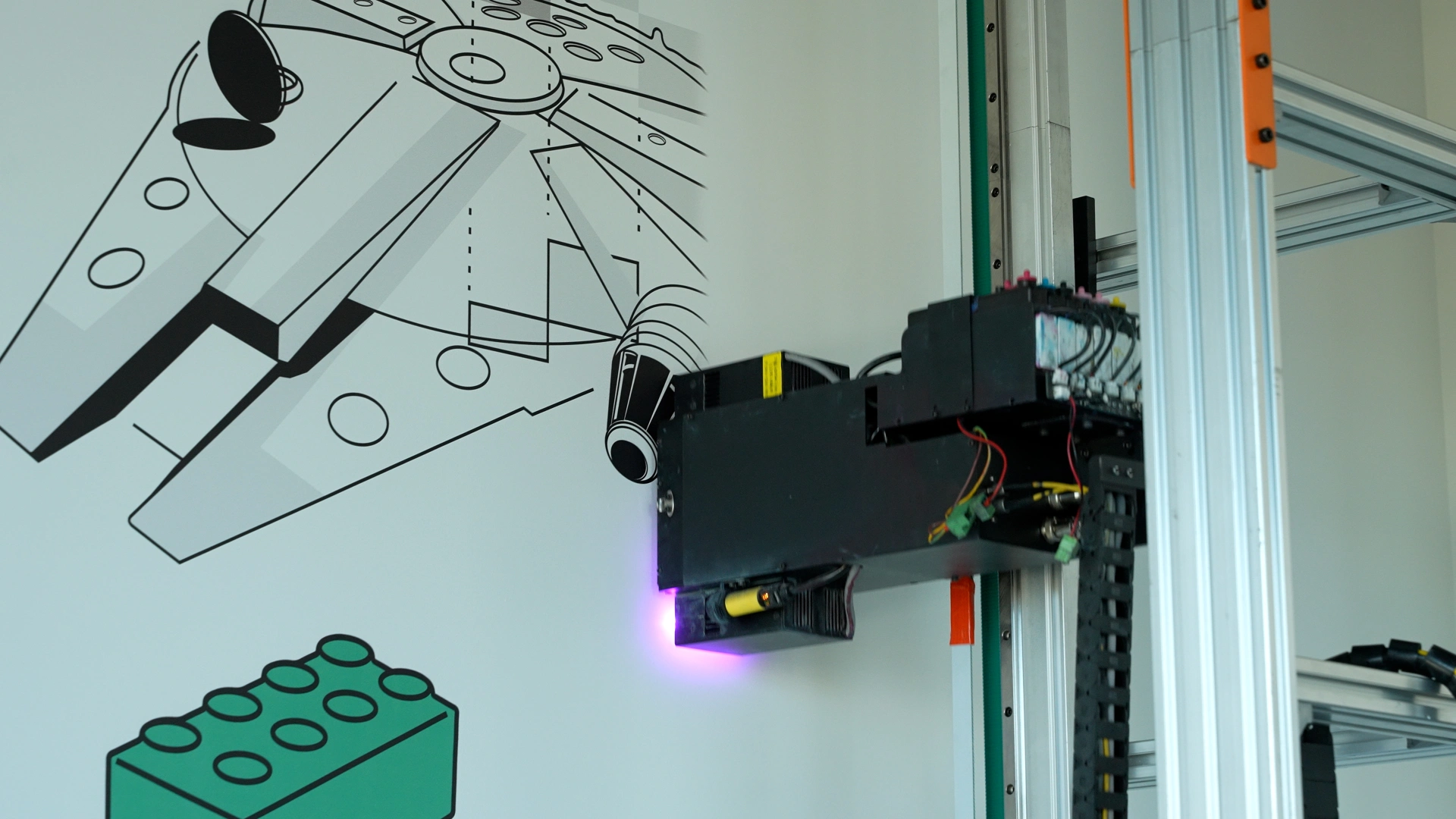
all printer can be justified because you are buying productive capacity rather than simply a more expensive printhead.
Do Not Buy the Head Alone
If two machines both say:
Epson I3200
they are not automatically equivalent.
Compare the complete system.
What to Compare | Why It Matters |
|---|---|
Exact printhead and quantity | Determines real configuration |
Standard-mode m²/h | Shows usable production speed |
White-ink system | Affects dark-wall reliability |
Wall-distance sensing | Helps protect the printhead |
RIP and motion system | Affects quality and alignment |
Replacement support | Determines downtime risk |
For a first-time buyer, a well-supported I1600 machine can be a better purchase than a poorly designed I3200 system.
But if two wall printers are otherwise comparable in build quality, service, software and ink system:
I1600 → better value for moderate workload
I3200 → better choice for higher production demand
Conclusion
Epson I1600 vs I3200—which printhead should you choose for a wall printer?
The I1600 gives you 1,600 nozzles.
The I3200 gives you 3,200 nozzles.
But both current I-Series variants share the same 33.8 mm effective print width and the same listed 300 npi per-row nozzle resolution. Epson
That means the main reason to choose the I3200 is not:
“It prints twice as sharp.”
It is:
“It gives the machine more production capacity to work with.”
For a startup or lower-volume business, an I1600-based machine can deliver professional mural quality without paying for unnecessary output capacity.
For a business expecting frequent commercial projects, larger murals or tighter schedules, the I3200 is usually the stronger long-term direction.
Before buying a wall printing system, do not judge the quote from the printhead name alone.
Ask the supplier to show you the exact head model, number of heads, CMYK/White allocation, standard-quality speed, wall-distance sensing and replacement-head cost.
Then ask them to print the same customer-style file you actually expect to sell.
That test will tell you far more than an I1600 or I3200 logo on the specification sheet.