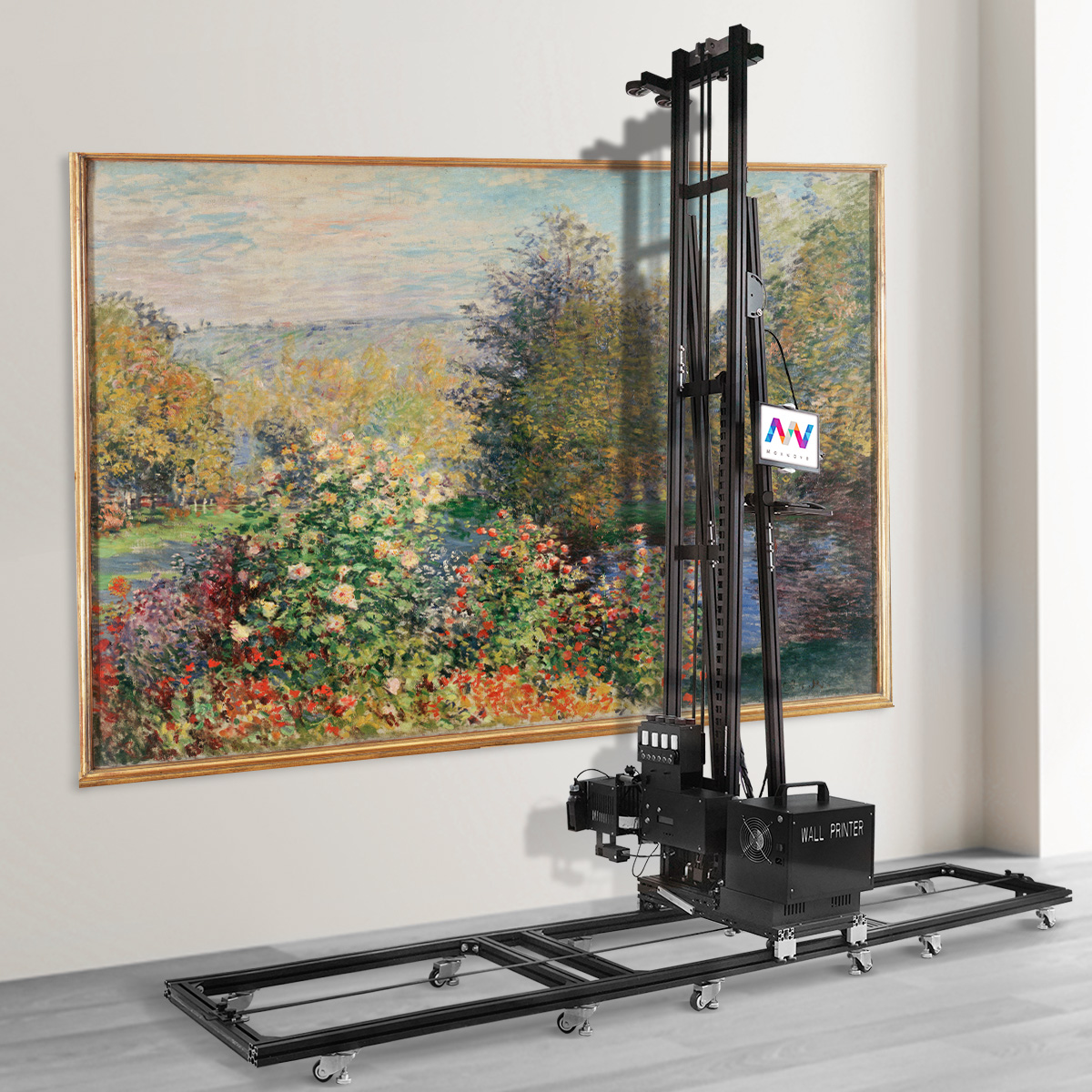
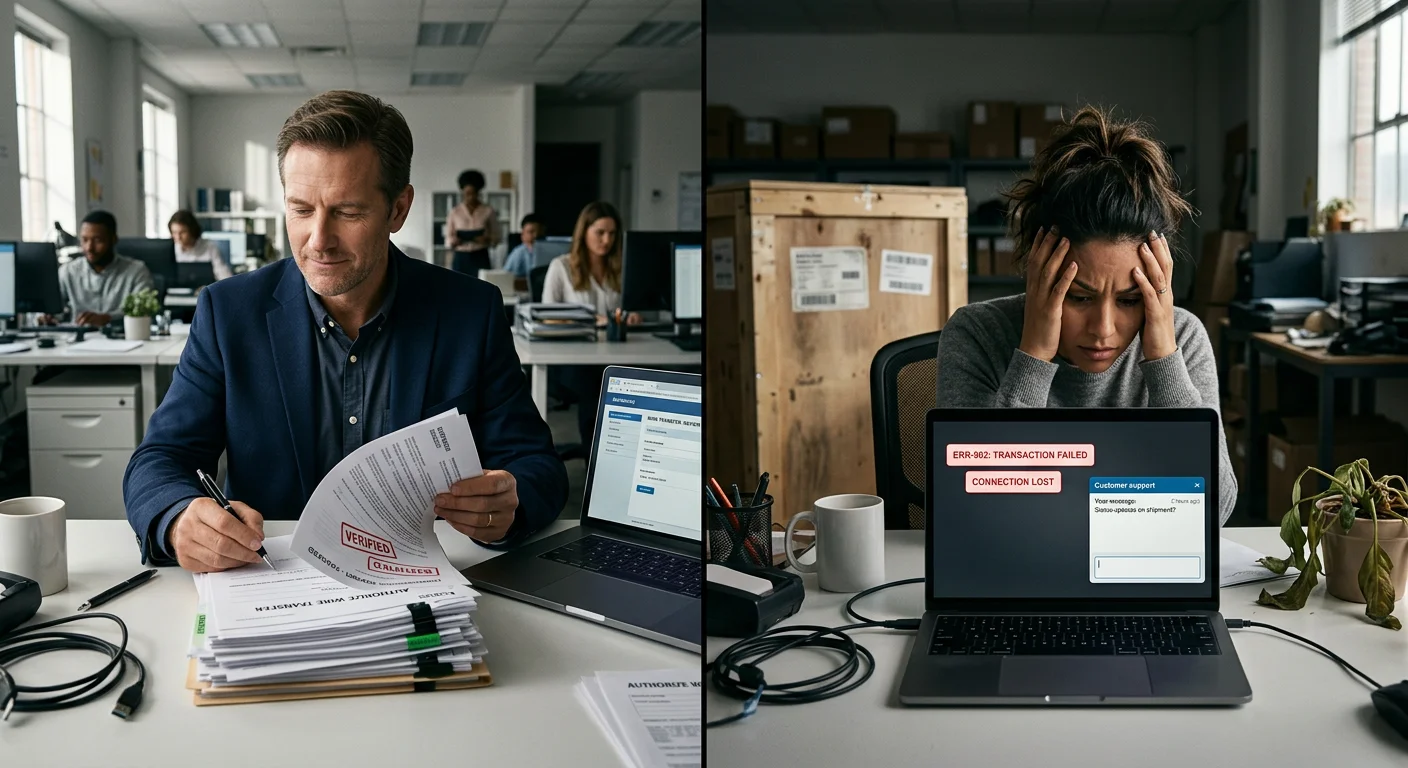
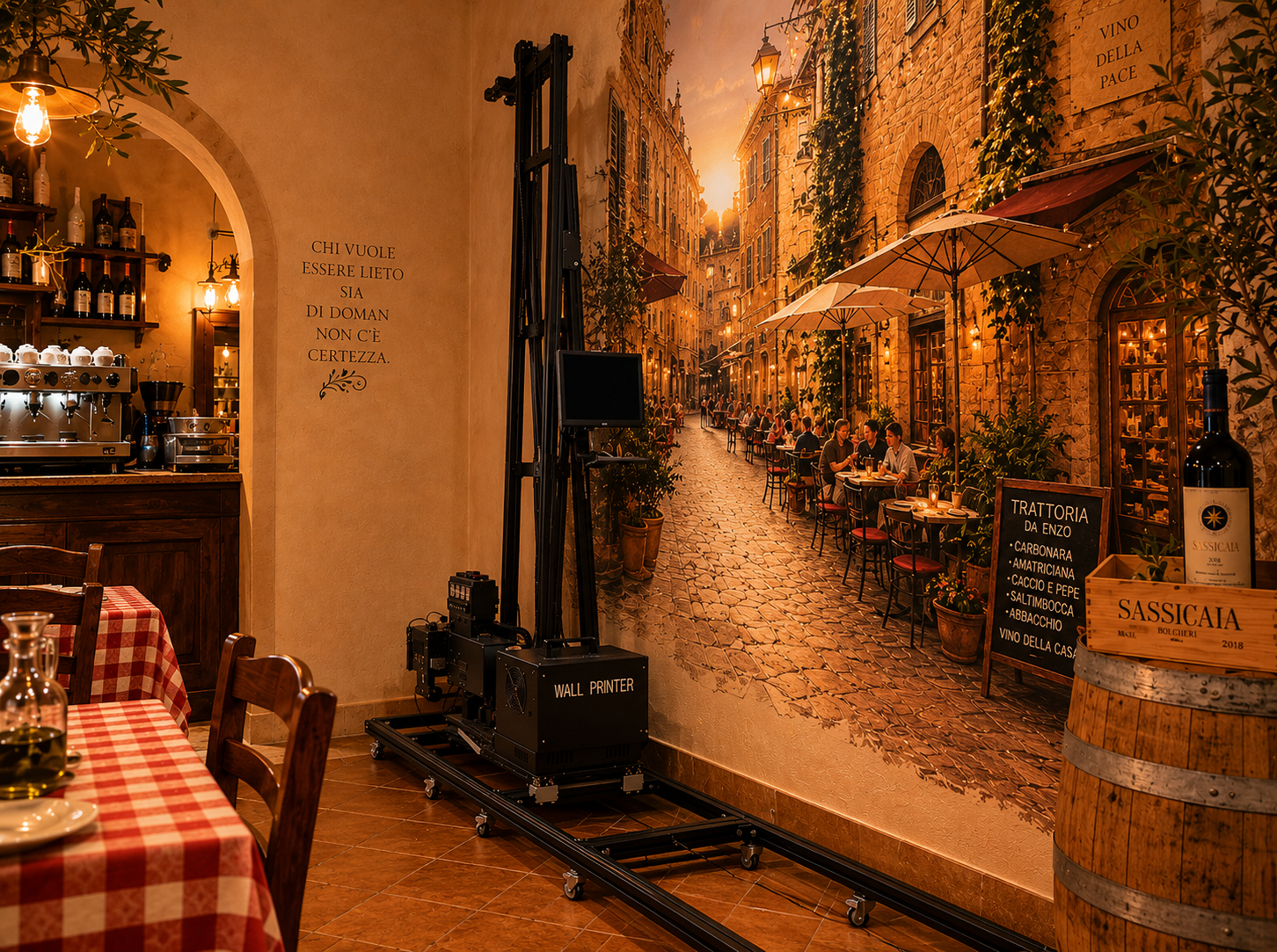
Spending $30,000+ on a Wallpen is a serious commitment. But so is watching a budget Chinese wall printer break down mid-project while a client stands there waiting.
The real question isn't which machine costs less upfront. It's which one puts more money in your pocket over three years of daily use.
The vertical wall printing market has grown fast. The gap between European precision engineering and China's best commercial-grade machines is no longer what it was in 2019.
Before you wire a deposit to either side, you deserve a straight, honest breakdown. This covers:
Print quality
Operational speed
Ink cost per sqm
After-sales response times
Long-term ROI
All of it is based on how these machines perform in real business conditions — not what the spec sheets say.
Initial Investment & Hidden CAPEX
The sticker price is just the beginning. What you pay to get a wall printer running — and keep it running — can look very different from that first number you saw.
Here's how the two options compare on real cash spent.
The Price Gap Is Real (And Larger Than You Think)
Wallpen machines sit at €37,000–€48,000, depending on the model and whether training is included. The E2 starts around €37,000 with training bundled in. Newer configurations push past €48,000.
Chinese commercial-grade wall printers sit in a different tier:
Budget segment: under $5,000 (proceed with serious caution)
Mid-tier commercial: $8,000–$12,000 — starter inks, remote training, and software are usually part of the package
Upper-tier Chinese brands: $15,000–$18,000, competing on printhead setup and frame quality
Do the math and you're looking at a 4x to 6x price gap between a solid Chinese mid-tier unit and a Wallpen. Stack it against budget Chinese machines and that gap hits 8x or more.
That alone isn't a reason to skip Wallpen. But your breakeven numbers shift — a lot.
What "All-In" Cost Really Looks Like
Most buyers compare machine prices and stop there. That's a mistake.
Chinese mid-tier all-in CAPEX (typical $10k unit):
Cost Component | Estimate |
|---|---|
Machine | $8,000–$12,000 |
Starter UV inks | Included |
Remote training & setup | Included |
Ocean freight + insurance | $800–$2,000 |
Import duties (on $8k–$12k value) | Low |
Total realistic all-in | $10,000–$15,000 |
Wallpen all-in CAPEX (€40k base):
Cost Component | Estimate |
|---|---|
Machine | €40,000–€48,000 |
Freight from Germany + import duties | +10–25% of invoice |
Advanced software subscription | $2,500/year |
Potential resale evaluation fee | ~$18,000 |
Total realistic all-in | €45,000–€60,000+ |
The freight cost difference is bigger than most people expect. Bringing a €40k–€48k European industrial machine into the US, India, or Latin America means customs duties on the full declared value. Add brokerage fees, port handling, and VAT on top of that.
Chinese units ship in modular, palletized sections built for ocean freight. Duties land on a fraction of what Wallpen costs to import. For a cash-tight startup, that gap is real money you feel immediately.
Wallpen's Hidden CAPEX: Two Line Items Nobody Talks About
1. The software subscription trap
Most major wall printer brands bundle full software into the purchase price. Wallpen doesn't.
The base machine ships with limited software out of the box. To get higher print speeds and advanced features, you pay around $2,500 per year in subscription fees — with no end date.
That adds up fast. Over three years, you've spent an extra $7,500 — for features that come standard on most Chinese commercial units as a one-time license.
2. The $18,000 resale penalty
This one catches buyers off guard — every time.
Say you decide to sell your Wallpen. Upgrading, exiting, rotating equipment — doesn't matter. The machine has to ship back to Germany for evaluation before the resale goes through. That evaluation costs around $18,000.
Chinese brands don't have this. You list it, sell it, move on.
What This Means for Capital Efficiency
Committing $45,000–$60,000+ before you've built steady monthly revenue is a high-stakes move for any startup. That much CAPEX pushes your breakeven volume higher and kills your flexibility to adjust fast if the business model needs a change.
A Chinese mid-tier machine at $10,000–$15,000 all-in gives you room to:
Enter the market faster with less financial exposure
Learn your real demand before locking into premium infrastructure
Exit cleanly without a five-figure evaluation fee blocking the door
Experienced operators follow a clear pattern: start with a proven Chinese commercial unit to validate the market, then move to Wallpen-level spending once you have recurring revenue or signed enterprise contracts that justify it.
Before signing any purchase agreement, get explicit written answers on: software license terms (perpetual vs. subscription), what training covers, INCOTERMS and who pays freight and duties, printhead warranty terms, and any resale or relocation restrictions.
Print Quality & Resolution Accuracy
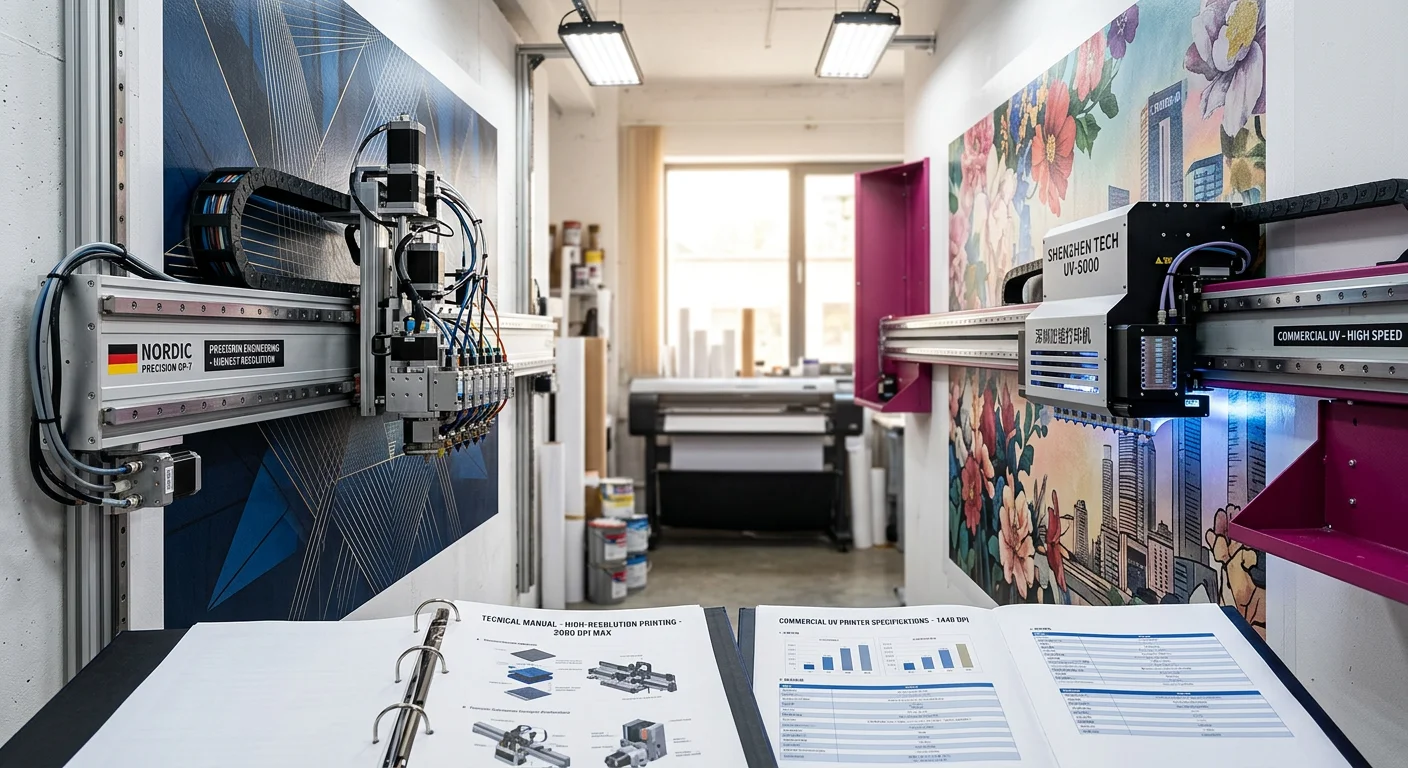
Here's something that surprises most buyers: Wallpen's maximum nozzle resolution of 1,200 DPI is lower than what several Chinese competitors list on their spec sheets.
DX7-based Chinese machines claim up to 1,440 DPI nozzle resolution. Epson i3200-equipped models do the same. On paper, Wallpen loses this comparison.
In practice, the story looks very different.
Why Advertised DPI Doesn't Tell You What You Need to Know
Resolution numbers mean nothing without drop placement accuracy behind them. A machine that advertises 1,440 DPI but drifts out of calibration after 200 hours of wall vibration isn't delivering 1,440 DPI to your clients. It's delivering banding, gradient breaks, and reprint headaches.
Wallpen runs Ricoh Gen5 industrial printheads, built for stable jetting across 300–1,200 DPI. UV instant-cure technology freezes ink dots at the point of impact, reducing dot spread and improving edge sharpness on fine text, line art, and large-format gradients.
The German-machined rail system adds to this advantage. Fewer micro-vibrations mean the printhead lands where the RIP tells it to go, pass after pass. Wallpen sets commercial output at 600 × 720 DPI — a practical balance between fine detail, speed, and printhead longevity.
Chinese wall printers can also produce sharp output, especially models equipped with Epson i1600 and Epson i3200 printheads. Under the right RIP, pass, and calibration settings, these machines can reach output resolutions of up to 2,880 DPI, which is more than enough for decorative murals, indoor feature walls, commercial graphics, and close-viewing artwork.
The i1600 is commonly used in more cost-conscious wall printer setups, giving first-time operators a practical entry point. The i3200 is usually positioned as the stronger option for higher productivity, finer ink control, and more stable commercial output across longer print runs.
But 2,880 DPI only matters when the rest of the system can hold that accuracy on a vertical surface. Rail stability, wall-distance control, vibration management, ink delivery, and daily calibration all decide whether that resolution actually shows up in the finished print.
You're not buying a DPI number. You're buying how long that number holds.
Where Chinese High-End Machines Close the Gap
Not all Chinese wall printers belong in the same category. That distinction matters.
Epson i1600-equipped machines are often a practical starting point for new operators. With output resolution up to 2,880 DPI, they can produce attractive murals, logo walls, decorative prints, and indoor feature walls at a lower machine cost. For residential jobs, small commercial interiors, studios, cafés, and salons, an i1600 wall printer can be a reasonable entry-level choice.
Epson i3200-equipped Chinese machines perform at a higher level. They also support output resolution up to 2,880 DPI, but their bigger advantage is not just the DPI number. It is productivity, ink control, and stronger performance across longer daily print runs.
At normal commercial viewing distances of 1.5–3 meters, the visual output from a well-calibrated Epson i1600 or i3200 wall printer can look very close to more expensive European systems. For large murals, hospitality interiors, retail graphics, and decorative feature walls, most clients care about color impact, edge clarity, smooth gradients, and whether the finished wall looks professional.
The gaps show up in specific scenarios:
Fine gradients: Wallpen tends to produce smoother tonal ramps on complex artwork
Small text and line art: Edge definition stays tighter across long print runs
Batch-to-batch consistency: Wallpen's closed OEM ink path reduces the gamut drift that can affect Chinese machines using third-party UV inks
That last point matters for architectural and long-term installation work. Wallpen guarantees indoor color stability for up to 12 years. Chinese wall printers equipped with Epson i1600 or i3200 printheads can also deliver strong results, but long-term color consistency depends more heavily on ink choice, maintenance routine, calibration discipline, and supplier support.
For buyers comparing European systems with Chinese wall printers, the takeaway is simple: Epson i1600 and i3200 machines can close much of the visual gap, and their output resolution can reach up to 2,880 DPI. But the final result depends on the complete system — printhead, rail stability, software, ink, maintenance, and after-sales support.
The Practical Verdict by Application Type
Application | Recommended Option | Why |
|---|---|---|
Gallery murals / fine art / museum-grade work | Wallpen | Strong drop placement stability, OEM ink consistency, and long-term indoor color stability for premium installations |
Commercial advertising / retail décor | Chinese Epson i3200 wall printer | Strong visual quality at normal viewing distance, up to 2,880 DPI output resolution, CMYK+W support, and better cost-per-job |
Entry-level indoor décor / local signage | Chinese Epson i1600 wall printer | Practical starting point for new operators, lower machine cost, solid output for murals, logo walls, and small commercial interiors |
The honest takeaway: if your business depends on gallery-level murals, premium interiors, or close-viewing installations where every gradient matters, Wallpen’s resolution accuracy and closed ink system can justify the higher price.
But for commercial advertising, retail décor, hospitality walls, cafés, salons, office murals, and decorative walls viewed from normal distance, a well-calibrated Chinese wall printer with an Epson i3200 printhead can deliver results most clients will struggle to distinguish from a European system — at a much lower upfront cost.
For first-time operators, an Epson i1600 wall printer is often the smarter entry point. It can still reach up to 2,880 DPI under the right RIP, pass, and calibration settings, while keeping the investment more manageable. It is not built for museum-grade detail, but it is more than capable for local signage, residential murals, logo walls, children’s rooms, studios, cafés, and small business interiors.
In short: Wallpen wins on premium consistency. Epson i3200 wins on commercial value. Epson i1600 wins on entry-level ROI.
Operation Speed & Daily Output Capacity
Speed sells jobs. Slow machines lose them.
A client books a 20 m² lobby mural for Friday. Your machine is still printing at noon Saturday. You do not just lose margin — you risk losing the client.
But real speed is not the number on the spec sheet. It is how much finished wall a machine can produce in a normal jobsite day, after setup, surface adjustment, pauses, and repositioning.
That is where the comparison between Wallpen and higher-spec Chinese wall printers, such as WallPrintBox, becomes more practical.
Wallpen's Real-World Speed
Wallpen's theoretical speed range is 0.8–10 m²/h, but its practical commercial range is usually around 2–3 m²/h. That is the sweet spot for balancing print quality, printhead life, and output consistency.
Scaled to a working day, that looks like:
6 hours printing → 12–18 m²/day
8 hours printing → 16–24 m²/day
These numbers are not just fast on paper. They are predictable, which matters when quoting fixed-bid commercial jobs.
Where WallPrintBox Closes the Gap
Many entry-leve wall printers advertise high speeds, but those numbers often assume perfect conditions: flat walls, smooth surfaces, stable indoor environments, and no interruptions.
Real job sites are different.
This is where WallPrintBox performs better than basic Chinese units. It is designed with two practical workflow features: printhead adaptive wall-distance control and breakpoint resume printing.
The adaptive wall-distance function helps the printhead maintain a more stable gap from the wall surface. That matters on uneven plaster, textured walls, block joints, and slightly bowed surfaces. Instead of constant manual adjustment, the machine can better maintain print consistency during real jobs.
Breakpoint resume printing is equally important. If a job is paused because of a power issue, ink check, emergency stop, repositioning, or site interruption, the operator can continue from the break point instead of restarting the whole mural. For large commercial prints, that can save hours of work and protect profit on fixed-price jobs.
The Surface Problem
Wallpen still has an edge in premium output consistency, especially on demanding surfaces and deadline-heavy projects.
But WallPrintBox narrows the gap by reducing two common causes of lost time: manual wall-distance adjustment and failed recovery after interruptions. A machine that avoids repeated stops can sometimes outperform a faster machine that keeps needing correction.
Daily Output Reality Check
Scenario | Realistic Print Hours | Production Speed | Effective Daily Output |
|---|---|---|---|
Wallpen — long continuous wall | 6–8 h | 2–3 m²/h | 12–24 m²/day |
Wallpen — multiple setups | 4–6 h | 2–3 m²/h | 8–18 m²/day |
WallPrintBox — smooth indoor wall | 5–7 h | 2–3 m²/h | 10–21 m²/day |
WallPrintBox — uneven or segmented wall | 4–6 h | 1.5–2.5 m²/h | 6–15 m²/day |
Basic entry-level Chinese unit | 3–6 h | 1–2 m²/h | 3–12 m²/day |
These are planning numbers, not guarantees. Actual output still depends on image complexity, pass settings, wall texture, setup time, operator skill, and site conditions.
The Business Verdict on Speed
For deadline-driven commercial work — mall rollouts, airport installations, chain store refits, exhibition halls, and premium interiors — Wallpen's output consistency remains a real operational advantage.
For residential murals, local signage, cafés, salons, office walls, retail décor, and smaller commercial interiors, WallPrintBox offers a more cost-efficient path. Its adaptive printhead distance control helps maintain better stability on imperfect walls, while breakpoint resume printing reduces the risk of losing long jobs after a pause.
Bottom line: if you run dense commercial schedules across varied sites every week, Wallpen's speed consistency may justify the premium. If you are building a profitable wall printing business around local décor and commercial wall projects, WallPrintBox gives you strong daily output with practical workflow protection at a lower upfront cost.
Consumable Costs & Ink Management
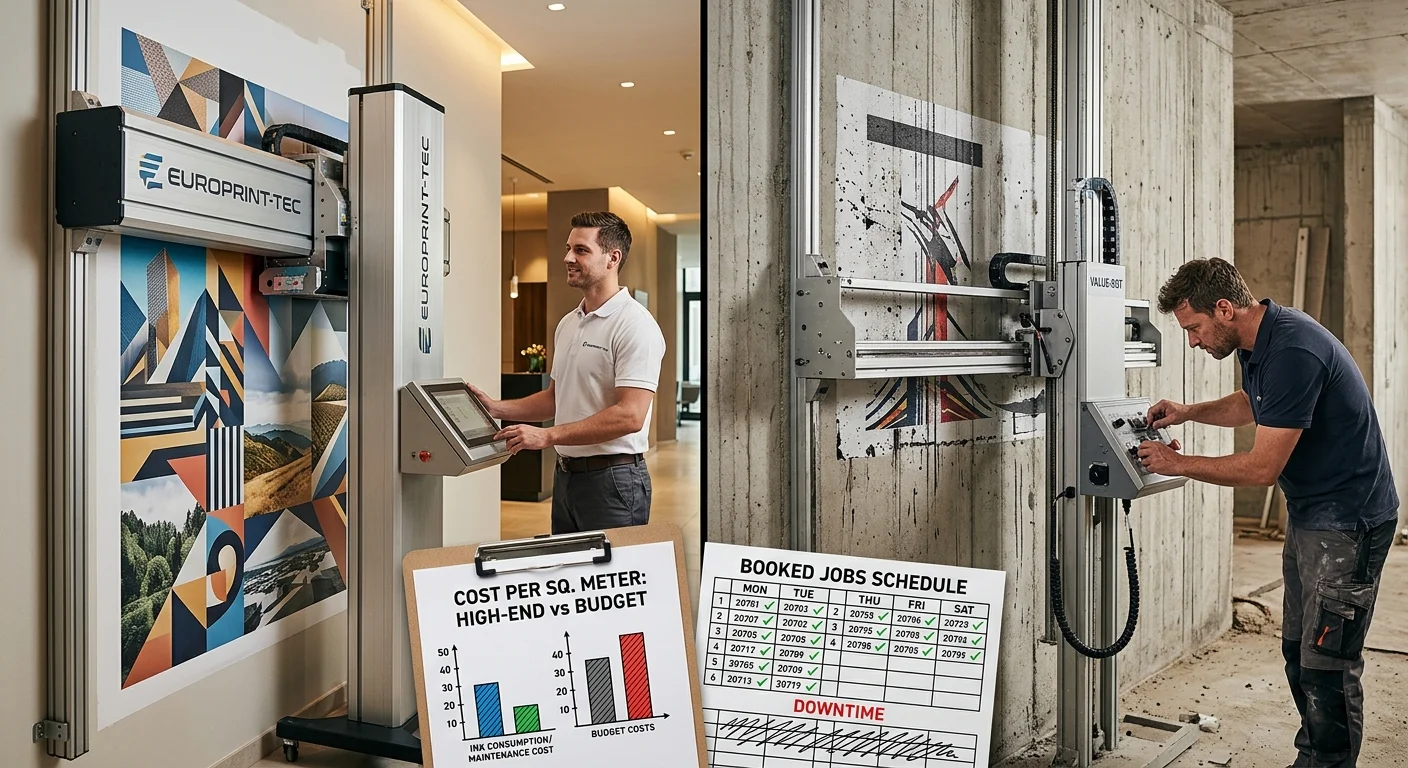
Ink costs can make or break your margins — and most buyers never run the actual numbers until it's too late.
Here's the counterintuitive part: Wallpen's OEM ink runs $2–$5 per m², while Chinese UV ink sits at $0.50–$1.00 per m². On paper, Chinese machines win by a landslide. In practice, the story is more complicated than that ratio suggests.
Wallpen's Flat-Rate Ink Program Changes the Math
Every Wallpen purchase includes a 12-month ink flat rate — extendable to 24 months. Your ink OPEX in year one is basically zero. It's built into the purchase price. Your competitor places ink orders every month and manages supplier relationships. You just print — no per-job ink stress.
Consumption runs at 5–10 ml/m² (or 2–6 ml/m² per the E2 reseller). Purge and cleaning losses are already factored into that range. Wallpen's closed OEM ink path keeps waste low.
Chinese Machines: Lower Ink Cost, Higher Operational Complexity
Chinese UV wall printers run at 6–10 ml/m² depending on coverage. The numbers look attractive:
Ink set (CMYK + White, 2.5L): ~$150
Yield: up to 400 m² per set
Resulting cost: $0.50–$1.00/m²
That number doesn't include printhead amortization. Epson heads in most Chinese machines last 3,000–5,000 m² and cost ~$250 to replace — that adds $0.05–$0.08/m² to your real consumable cost.
There's another issue: budget Chinese machines burn through 8–12% of ink volume on flushing and purging every day. That waste never appears on the spec sheet. It shows up on your ink bill at the end of the month.
Stock one spare printhead. Budget for strict cleaning every week. Do that, and the "cheap ink" advantage shrinks fast.
The Full Consumable Cost Comparison
Factor | Wallpen | Chinese UV Printer |
|---|---|---|
Ink cost per m² | $2–$5 (prepaid yr 1–2) | $0.50–$1.00 |
Printhead cost per m² | OEM-managed | +$0.05–$0.08 |
Ink wastage rate | Low (factored into range) | 8–12% additional volume |
OPEX predictability | High | Low without strict protocols |
Inventory management | None (flat rate) | Operator-managed |
The Real Verdict
Running high-volume commercial jobs at Wallpen's $170–$230/m² price points? Your ink cost lands at just 1–3% of revenue. That's not a cost problem. It's barely a line item.
Chinese machines at $30–$90/m² service pricing can keep ink at 1–4% of revenue too — but three things have to stay true. You need quality UV inks. You need clean heads. You need a spare printhead on the shelf. Skip any one of those, and head failures start climbing. Clogs become a recurring expense. That $0.50/m² ink advantage drains away into unplanned downtime.
The practical takeaway: Wallpen's ink program gives you two years of simple, predictable operations. Chinese machines offer a lower per-m² cost ceiling — but you earn that advantage through disciplined ink management. Neither option comes free.
Software Ecosystem & Usability
Most buyers focus on DPI and ink cost. But software also affects profit. If every job takes extra time to prepare, position, calibrate, or restart, that time becomes hidden operating cost.
Wallpen: Integrated And Standardized
Wallpen uses a proprietary integrated app for RIP processing and printer control. Operators can import artwork, process the file, position the image, set print limits, adjust speed, and start printing from one workflow.
That makes Wallpen printer especially useful for multi-operator teams, studios, and franchise-style businesses. Training is faster, setup errors are reduced, and output stays more consistent across different staff members.
The tradeoff is software control and cost. Some advanced workflow features may require paid access or subscription upgrades, so buyers should check what is included before purchasing.
WallPrintBox: Beginner-Friendly Integrated Software
WallPrintBox changes the usual perception of Chinese wall printers. Instead of forcing beginners to work across separate RIP and motion-control programs, it supports integrated software with a simpler daily workflow.
A new operator can usually learn the basic process in about 20 minutes:
Import artwork
Set print size and position
Adjust basic parameters
Check calibration
Start printing
Pause or resume when needed
This does not remove the need for proper wall preparation, nozzle checks, and maintenance. But it makes the software side much easier for first-time users, small teams, decorators, and local wall printing businesses.
Quick Comparison
Factor | Wallpen | WallPrintBox |
|---|---|---|
Software workflow | Integrated proprietary app | Integrated beginner-friendly software |
Learning curve | Low | Very low for basic operation |
Beginner onboarding | Around 1 day | About 20 minutes for basic workflow |
Best for | Studios, franchises, multi-operator teams | First-time operators, small businesses, local wall printing services |
Main advantage | Standardized professional workflow | Fast learning and easier startup |
Practical Verdict
Choose Wallpen if you need a highly standardized software ecosystem for premium studios or teams with multiple operators.
Choose WallPrintBox if you want a wall printer that beginners can learn quickly and put into use faster. Its integrated software lowers the technical barrier and helps new operators move from setup to paid work with less friction.
In short: Wallpen wins on software standardization. WallPrintBox wins on beginner-friendly usability and faster startup.
After-Sales Support & Response Time
Your machine goes down on Tuesday. A hotel lobby mural is booked for Wednesday. At that moment, support is not a small detail — it is the business.
Wallpen: More Predictable Support
Wallpen offers a more structured support system: warranty coverage, software updates, local partner support, and escalation to Wallpen Germany when needed. For operators running premium commercial jobs or deadline-sensitive projects, this predictability has real value.
The main advantage is not just technical help. It is knowing who to contact, where parts come from, and how long downtime may last.
WallPrintBox: Better Than A Basic Chinese OEM
The mistake is treating every Chinese wall printer supplier the same. Low-end vendors may offer cheap machines but weak support, slow replies, and unclear spare parts timelines.
WallPrintBox wall printing machine is positioned differently. It is not just a bare machine supplier. It provides a more business-ready package with hardware, ink, software, spare consumables, onboarding support, and practical operation guidance.
Its built-in features also reduce support pressure. Breakpoint resume printing helps recover interrupted jobs, while printhead adaptive wall-distance control reduces problems caused by uneven walls. These features cannot replace after-sales service, but they can prevent small issues from becoming full job failures.
The Spare Parts Reality
Even with a stronger Chinese supplier, serious hardware issues may still require parts shipped internationally. That is why WallPrintBox buyers should keep a basic spare kit on hand:
Mainboard / control board
Motor drivers and belts
Sensors and cables
Common consumables
Spare printhead for high-volume users
With local spare parts, remote support becomes much more effective.
Quick Comparison
Factor | Wallpen | WallPrintBox |
|---|---|---|
Support structure | Regional partner + factory escalation | Remote support + onboarding guidance |
Spare parts access | More predictable in supported regions | Best with local spare kit |
Downtime risk | Lower | Manageable with preparation |
Best for | Enterprise, premium, deadline-heavy work | Startups, local commercial jobs, residential murals |
Main advantage | Support predictability | Lower cost + practical startup support |
Practical Verdict
Choose Wallpen if missed deadlines can cost you major contracts.
Choose WallPrintBox if you want lower ownership cost, beginner-friendly support, and practical workflow features that reduce downtime risk.
In short: Wallpen wins on support predictability. WallPrintBox wins on practical startup support and cost efficiency.
Equipment Durability & Lifespan
Equipment Durability & Lifespan
Five years from now, your wall printer is either still earning money or waiting for parts. That outcome starts with the machine you choose.
Wallpen: Built For Long-Term Commercial Use
Wallpen’s advantage is industrial durability. Sealed printhead housing, stronger rail structure, and tighter mechanical control help the machine stay accurate after repeated transport, setup, and daily commercial use.
For operators running premium interiors, enterprise projects, or high-frequency commercial jobs, this matters. A well-maintained Wallpen can stay in front-line use for 5–7+ years, with stronger residual value than most lower-cost machines.
Chinese WallPrintBox: Practical Durability With Better ROI
WallPrintBox fits into a different category from basic budget Chinese machines. It is built for practical commercial use, but with a much lower upfront cost.
Its durability advantage comes from reducing common jobsite problems. The printhead adaptive wall-distance function helps maintain a safer gap between the printhead and uneven wall surfaces, reducing the risk of poor print quality or head strikes. The breakpoint resume printing function helps operators recover interrupted jobs without restarting the entire mural.
For new operators, WallPrintBox’s integrated software and easier workflow also reduce misoperation risk. Many early machine problems come from wrong setup, poor calibration, or skipped maintenance — not just weak hardware.
Budget Chinese Machines: The Real Risk
Low-cost Chinese machines may print well at first, but heavy use can expose weaknesses: lightweight frames, manual wall-distance control, open electronics, belt wear, and frequent recalibration.
They can work for low-volume or short-term projects, but they are risky for continuous commercial production.
Quick Comparison
Factor | Wallpen | WallPrintBox | Budget Chinese Machine |
|---|---|---|---|
Build level | Premium industrial | Practical commercial | Entry-level |
Expected lifespan | 5–7+ years | Best planned around strong 3-year ROI, longer with good maintenance | 18–24 months before major overhaul under heavy use |
Wall-distance control | Advanced system | Adaptive printhead distance | Often manual or fixed |
Interruption recovery | Strong workflow stability | Breakpoint resume printing | Limited |
Resale value | Higher | Moderate | Low |
Best for | Premium commercial work | Startups, local commercial jobs, décor projects | Low-use or short-term jobs |
Practical Verdict
Wallpen wins on long-term industrial durability and resale value.
WallPrintBox wins on practical ROI, easier operation, and lower ownership cost.
Budget Chinese wall printing machines only win on price — and that advantage disappears quickly when downtime, recalibration, and parts issues start costing real jobs.
Total Cost of Ownership (TCO) & ROI Timeline
Three years from now, one number tells you whether you made the right call. That number is your total net profit — after every dollar the machine cost you to own and run.
It's not your purchase price. It's your TCO. Most buyers never calculate it before signing.
The Formula That Matters
Stop comparing sticker prices. Run this instead:
TCO₃yr = CAPEX + (Monthly Ink × 36) + (Monthly Software Fees × 36) + (Annual Maintenance × 3) + Downtime Revenue Loss − Residual Value
Every term in that formula has been broken down in the sections above. Now you combine them.
Here's what the math looks like across two realistic scenarios:
Cost Component | Wallpen (€40k base) | WallPrintBox | Generic Chinese Mid-Tier |
|---|---|---|---|
All-in CAPEX | ~$55,000 | ~$12,000–$15,000 | ~$10,000–$12,000 |
Ink / consumables over 36 months | ~$0 yr1–2 through flat-rate ink program; ~$2,400–$7,200 in yr3 | About $0.40/m²; roughly $1,440 ink cost over 3 years at 100 m²/month | ~$3,600–$7,200 depending on ink quality, purging, and coverage |
Software fees over 36 months | ~$7,500 if advanced features are used | Integrated software, no major recurring fee | Usually $0 recurring, but often more complex RIP + control workflow |
Maintenance / spare parts over 36 months | Higher, but more predictable | Lower-cost parts; best with a prepared spare kit | Lower parts cost, but higher variance and more operator responsibility |
Downtime revenue loss | Low — stronger support and parts structure | Moderate — manageable with local spare parts and disciplined maintenance | High variance — up to $8,000–$15,000 over 3 years without a spare parts plan |
Residual value offset | −$19,000–$22,000 | −$2,000–$4,000 | −$1,500–$3,000 |
Estimated 3-year TCO | ~$60,000–$75,000 | ~$18,000–$30,000 | ~$25,000–$40,000 |
The gap is real, but output volume decides the winner.
At lower monthly volume, WallPrintBox usually pays back faster thanks to lower upfront cost, about $0.40/m² ink cost, and a lower break-even point.
Generic Chinese mid-tier wall printers may look attractive on purchase price, but their real TCO depends heavily on supplier reliability, software workflow, spare parts planning, and maintenance discipline.
At higher volume — especially enterprise contracts, strict deadlines, premium interiors, or penalty-based jobs — Wallpen can justify its higher cost through better uptime, more predictable support, and stronger residual value.
Volume Is the Variable That Changes Everything
At under 80 m²/month, a Chinese mid-tier machine almost always pays back faster. Your capital drag is lighter. The breakeven point is lower. You don't need a packed pipeline to reach profit.
At over 120 m²/month, the equation shifts. Wallpen's lower downtime risk, stronger calibration retention, and predictable maintenance costs start adding up in your favor. By month 30, that stability advantage shows up in net margin — not just gross output.
Run three scenarios before you decide:
Conservative: 60 m²/month at your local market rate
Base: 100 m²/month with moderate job mix
Aggressive: 150+ m²/month on commercial contracts
Plot cumulative gross margin against cumulative TCO. The month those two lines cross is your real payback date.
The Downtime Variable Nobody Models
Most buyers skip this line item. That's a costly mistake.
Calculate it this way: Lost billable hours × average revenue per hour × downtime frequency.
Say your average job earns $80/hour. A serious component failure on a Chinese machine takes 10 working days to fix. That's $6,400 in lost billable capacity from one incident alone. Two incidents over three years and you've wiped out most of the ink cost savings.
Wallpen's 3–5 day recovery window keeps that number smaller. Budget Chinese units with no local spare parts plan can push that figure well past $15,000 over three years.
The bottom line: Low volume and tight startup capital? A quality Chinese mid-tier machine wins on ROI speed — and it's not close. High volume, enterprise contracts, or penalty clauses for delays? Wallpen's TCO starts making financial sense by year two. Not just operational sense — financial sense.
Procurement Recommendation Matrix by Business Scale
Three years of real-world data points to one uncomfortable truth: most buyers choose the wrong machine. Not because they lacked budget — but because they matched the wrong tool to their business scale.
Here's the matrix that fixes that.
Solo Entrepreneurs & Low-Capex Startups
Recommended: Chinese mid-tier unit with Epson i3200 heads
All-in budget: $10,000–$17,000
Your priority right now isn't perfection. It's market validation with low financial risk.
A single or dual i3200-equipped Chinese printer gives you 720–2,400 DPI advertised resolution, CMYK+W capability, and a bundled RIP. That's everything you need to take on residential murals, feature walls, and local agency campaigns.
Before you wire payment, lock in these three non-negotiables:
- English UI and documented remote support from the vendor
- Third-party RIP compatibility (MainTop, Ultraprint, or equivalent)
- Mechanical stability specs — skip the "max resolution" marketing talk
On day one, set $2,000 aside for spare parts: one backup i3200 head, encoder strip, belts, and a spare mainboard. That kit protects you from a 10-day shipping wait from Shenzhen wiping out a booked job.
Pipeline target: 4–6 jobs per month at 10–20 m² each. Hit that number on a regular basis and your 36-month TCO stays in the $20,000–$30,000 range. No Wallpen comes close to that breakeven point at this volume.
Mid-Sized Interior Design & Advertising Firms
Recommended: High-spec Chinese unit with Ricoh G5/G6 heads
All-in budget: $18,000–$30,000
You've validated the market. Now you need a machine that holds up on a restaurant chain rollout or a shopping mall corridor installation.
Moving up to Ricoh G5/G6-class industrial heads is not a choice at this scale — it's a requirement. The difference is clear: one machine holds calibration through a 12-hour commercial shoot. The other needs constant attention.
Non-negotiables at this tier:
- Automated Z-axis with laser/ultrasonic distance tracking — uneven surfaces in retail and hospitality expose every weakness in a manual height setup
- Hardened steel linear guides (Hiwin or THK spec), not plastic wheel carriages
- Sealed control cabinet with closed electronics enclosures
Set aside an extra $3,000–$5,000 for initial spares, including one Ricoh head or a head repair reserve. Also, sign a local technician retainer at $200–$600/month. That one line item separates operators who hit 95% uptime from those who cancel jobs.
Pipeline target: 10–15 wall jobs per month. Your 36-month TCO runs $40,000–$70,000. At premium commercial pricing, that payback window sits well inside 18 months.
Large Commercial Operators & Premium Studios
Recommended: Wallpen
All-in budget: $55,000–$70,000+ including subscription
At this scale, the question is never "can I afford Wallpen?" The real question is: "can I afford to bid a government building or 5-star hotel without Wallpen's documentation?"
Architectural clients, corporate HQ projects, and public-sector tenders require CE compliance, certified color management workflows, and zero-defect contractual language. Chinese machines — even the best-specced industrial units — can't produce that paperwork on demand.
Factor in:
- $3,000–$7,000/year in software and support subscription fees
- OEM ink at premium pricing ($50–$100+/L vs. generic UV)
- Multi-day operator certification for 1–3 staff members
Your 36-month TCO lands at $100,000–$150,000 per active unit. That number makes sense at 20–25 productive printing days per month at premium project pricing. A large commercial operator should already have that pipeline in place before making this call.
Quick-Reference Decision Matrix
Business Scale | Recommended Machine | All-In CAPEX | Monthly Job Target | 36-Month TCO |
|---|---|---|---|---|
Solo startup | Chinese i3200 mid-tier | $10k–$17k | 4–6 jobs | $20k–$30k |
Mid-sized firm | Chinese Ricoh G5/G6 | $18k–$30k | 10–15 jobs | $40k–$70k |
Large commercial / premium studio | Wallpen | $55k–$70k+ | 20–25 days/month | $100k–$150k |
Match the row to your current pipeline — not the business you're planning to build in two years. Buy for where you are. Upgrade when the revenue proves it.
Conclusion
The real question was never "Wallpen or Chinese brand?" — it was always "which machine makes my business more money?"
The data is clear: Wallpen wins on precision, durability, and rock-solid commercial reliability. Your clients are luxury hospitality brands or high-end retail spaces? A single reprint costs more than most machines. That premium pays for itself. Full stop.
But starting a wall printing business from scratch is a different story. You're managing cash flow, chasing volume, and learning the craft. A tier-one Chinese machine at 30–40% of the cost gives you a real entry point. It won't punish you for being new.
The worst decision isn't picking the "wrong" brand. It's one of two things:
Overspending on UV wall printer quality you can't yet sell
Underspending on reliability that eats your margins through downtime and reprints
Pick the machine that matches where your business is today — not where you hope it will be.
Ready to compare the numbers for your own market? Visit wallprintbox.com to calculate your ROI, review the Business-in-a-Box wall printer package, and see whether a WallPrintBox machine is the right entry point for your wall printing business.