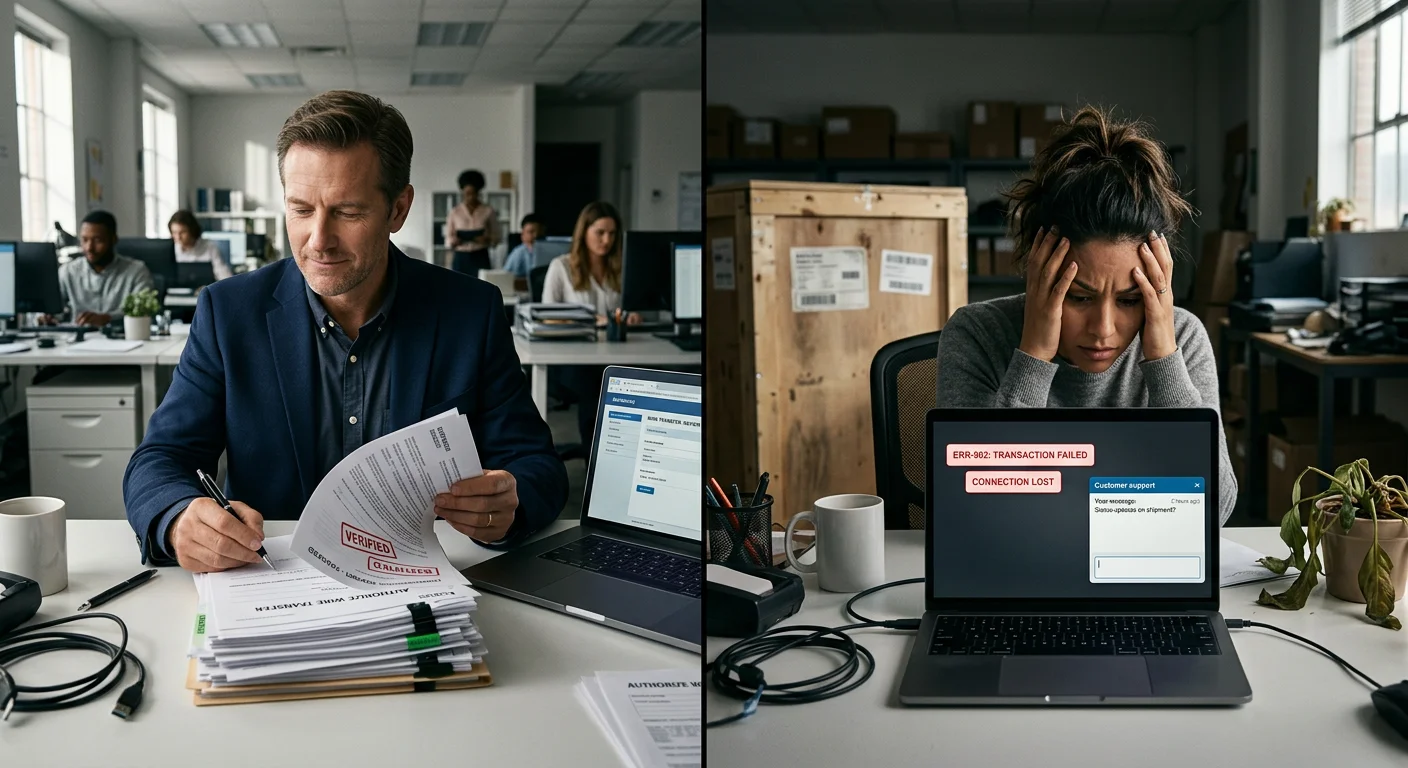
Buying a wall printer without research first is one of the most costly mistakes you can make. Suppliers won't tell you how often it happens.
The machine looks great in the product video. The specs sheet reads like a dream. Then the crate arrives. Reality hits fast: wrong voltage, no spare parts in your country, and a customer service rep who went silent three days after your payment cleared.
This guide comes from the inside. The goal isn't to sell you on direct to wall printing technology. It's to give you the exact questions, red flags, and cost breakdowns that split a smart investment from a five-figure regret. Read this before you wire a single dollar.
How To Verify Supplier Credentials And Factory Authenticity Before Payment
Fraud in the wall printer supply chain doesn't look like fraud. It looks like a professional product listing, a fast-responding sales rep, and a certificate PDF that appears legitimate — right up until you try to verify it.
Here's the uncomfortable truth: a large share of suppliers on Alibaba and Global Sources are trading companies posing as manufacturers. Some source machines from third-party factories, mark them up, and disappear the moment you need technical support. The five verification steps below are built to expose that — before your deposit wire goes through.
Step 1: Cross-Check the Legal Entity Across Every Document
Ask the supplier for their full registered company name in both Chinese and English, their unified social credit code, and their registered address. All of it should come from their business license scan.
Then confirm the exact same legal entity name appears on:
Their export license and customs registration
All CE, EMC, LVD, ISO, and RoHS test reports
The bank beneficiary name on the Proforma Invoice
Any mismatch between these documents is a serious red flag. It often means the certificates belong to one company and the money is going to another. That's how a trading company passes itself off as a manufacturer.
Step 2: Demand a Live Video Factory Tour — Not a Pre-Recorded One
This is non-negotiable before any payment clears. Schedule a live video call and insist on seeing:
The building exterior, gate, and company signboard — must match the business license name
The reception area with posted licenses and certifications visible on the wall
Active wall printer assembly lines — workers handling frames, carriages, and control boxes
Warehouse inventory: rails, control boards, printheads still in boxes, spare components
A QC burn-in test area where machines run calibration and print tests
A machine in production for another customer, with a PO or model plate visible
A wall printer supplier who refuses the live tour — or pushes a polished showroom walkthrough, or suggests meeting at a hotel instead — is a trader or high-risk supplier. Full stop.
You can also hire SGS, Bureau Veritas, or a local third-party audit firm to do a one-day on-site check before your down payment. The cost runs $300–$600. Against a $10,000–$40,000 machine purchase, that's the cheapest protection you'll find. Don't skip it.
Step 3: Authenticate Every Certificate — Don't Just Collect Them
Most buyers look at certificates and assume they're real. Smart buyers verify them.
For any automatic wall inkjet printer targeting international markets, request:
CE, EMC, LVD, and Machinery Directive certificates for the full machine
RoHS documentation for the printer, ink system, and cables — each listed separately
FCC certification for machines entering the US market
ISO 9001 (and 14001/45001 if claimed) for the manufacturing facility
Once you have the PDFs, go deeper:
Scan for holograms, micro-printing, and watermarks on originals
Take the certificate number or QR code and run it through the certification body's own verification portal — TÜV, SGS, Bureau Veritas, or Intertek. It should resolve to an official page, not a random link
Confirm the certified scope covers "design and manufacture of inkjet printing equipment" — not just generic "metal fabrication" or "electronic components"
Check the expiry date. An expired CE certificate is worthless at customs
For ink safety, request the MSDS (Material Safety Data Sheet) for the UV wall printer ink with CAS numbers listed. Also get REACH and RoHS lab reports from accredited testing bodies with traceable report numbers. Cross-check the ink manufacturer name on the MSDS against the ink bottles shown during your live video call.
Step 4: Verify the Print Heads Are New and Original
This is where many low-cost wall printer deals fall apart. Budget suppliers often ship machines loaded with refurbished or gray-market Ricoh G5/G6 printheads. These heads have degraded nozzle plates, shorter lifespans, and no manufacturer support once they fail.
Ask for official distributor invoices or authorization letters from Ricoh's approved industrial component distributors. The document must show the supplier's legal company name, specific part numbers, order date, quantity, and the distributor's stamp.
During the live video call, request an unboxing of a brand-new printhead. Look for:
Intact ESD anti-static bag and foam protection
Manufacturer label, serial number, and security hologram in perfect condition
Batch consistency across the warehouse stock they show you
Then lock it down in the contract. State that all printheads must be brand-new and original — never refurbished — with serial numbers listed on both the Proforma Invoice and the packing list.
Step 5: Read the After-Sales Terms Like a Lawyer Would
Most buyers skim the warranty section. That's where the expensive surprises tend to hide.
Push your supplier to define warranty coverage by component — not just "one year on the whole machine":
Frame and mechanical structure: 2–3 years
Electronics and motion system: 1 year
UV lamps: 500–1,000 hours of use
Print heads: Often excluded or heavily conditioned — get the exact language in writing
Require a spare parts SLA. Critical failure components must ship within 3–5 working days by air express during the warranty period. Non-critical parts within 7–10 days. Also confirm the supplier will maintain stock for your specific model for at least 3 to 5 years after purchase.
On payment structure, protect yourself with a staged approach:
30% deposit after documents and factory verification are complete
70% balance after a passed third-party pre-shipment inspection and an accepted 24–48 hour continuous print stress-test video
That stress-test video is not optional. It must show the wall printing machine running at full speed on vertical surfaces. Footage should be timestamped, identify the machine by its serial plate, and cover the full duration — with no banding, nozzle dropouts, or rail instability.
The Quick Red Flag / Green Flag Reference
Before moving to the next stage of negotiation, run through this checklist:
🚩 High-Risk Signals:
- Refuses live factory video or offers pre-recorded clips only
- Certificate serial numbers return no results on official verification portals
- Company name on the bank account doesn't match the business license or CE certificates
- All communication runs through personal email or mobile with no corporate domain
- Demands 100% payment before production starts or before any inspection
✅ Lower-Risk Signals:
- Shares business license, export license, and tax registration without hesitation — and welcomes cross-checking
- Agrees to an independent on-site audit by SGS or equivalent without pushback
- Discloses upfront whether they're a trading company, and names the OEM factory that builds the machine
The difference between a smart purchase and a costly mistake usually has nothing to do with the price on the quotation. It comes down to whether you did this work before the wire transfer.
Decoding Core Specifications: Print Head Lifespan, True Speed, And Ink Math
Spec sheets lie. Not through outright fabrication — but through careful omission of context. That omission changes what those numbers mean in real operation.
Every supplier you talk to will quote you DPI figures, m²/hour throughput, and printhead lifespan. What they won't do is explain how those numbers were measured, under what conditions, and what they'll look like on the job site six months after your machine arrives. That's the gap this section closes.
True Print Speed vs. Brochure Speed: The 2.5× Reality Gap
Here's a number worth remembering: the difference between a budget wall printer's claimed throughput and its real effective throughput can be 2 to 2.5 times. Not 10%. Not 20%. More than double.
Here's why.
Suppliers measure speed in a vacuum — carriage moving, ink flowing, nothing else counted. In the real world, your job time includes:
Machine positioning and auto-leveling on the vertical rail
Carriage alignment and printhead calibration
Nozzle check and ink priming cycles
Actual print time
Any reprints caused by banding or registration errors
Add all of that up and the numbers get humbling fast.
Take a standard 3 m × 2.4 m interior wall (7.2 m²) printed at 720×2880 dpi in 4–6 pass mode. That's the realistic production quality benchmark for an indoor wall printer, not draft mode.
Machine Class | Claimed Speed | Real Effective Throughput |
|---|---|---|
Entry / light-duty unit | 15–20 m²/h | 6–8 m²/h |
Premium rigid unit (servo drives, steel frame) | 20–25 m²/h | 14–18 m²/h |
The premium machine doesn't just print faster. It wastes less time on homing cycles, produces fewer reprints, and has far less downtime for head cleaning. That's where the gap compounds.
The practical test: Ask any supplier demoing speed to record a full job cycle on a 3 m wall section — from rail positioning to finished print. Calculate m²/h yourself. A supplier who won't do that has already told you something important.
Print Head Lifespan: The Consumable Nobody Prices In
Most buyers treat printheads like tires — something to deal with when the time comes. That's the exact mindset that blows up your profit margins in year two.
Industrial Ricoh G5/G6-class heads — the standard in quality commercial automatic wall inkjet printers — last 12 to 24 months under real operating conditions (5–8 hours/day, 5–6 days/week). Running heavy white ink underlays or UV-intensive jobs? Budget for the shorter end: 12–18 months.
Consumer-grade piezo heads are a different animal. Marketed as lasting "years," they drop below acceptable quality thresholds in 6–10 months under production loads. That's not a knock on the technology — it's just not built for commercial cycling.
Here's where the math gets serious.
A real-world depreciation example:
Machine purchase price: $22,000
Configuration: 2 × Ricoh G5-class heads
Replacement cost per head: $2,500–$3,500
Two full replacement cycles over 3 years: 4 heads × $3,000 = $12,000
That's an additional 55% of your original hardware cost just in printheads. Factor in vendor discounts and the realistic figure lands at 30–45%. Either way, this number needs to be in your business model before you order — not after.
The reserve rule:
- Industrial-grade heads (Ricoh G5/G6): set aside 10–15% of monthly print revenue for a head and maintenance reserve
- Lower-cost non-industrial heads: set aside 15–20%, because replacement frequency is higher and downtime hits more often
Treat printheads as scheduled major consumables — the same way a commercial kitchen treats its equipment. They're not permanent assets. Price your jobs to reflect that.
Resolution Reality: Why 600 DPI Can Beat 2880 DPI
This one surprises people.
Wall printer resolution quality is not mainly a function of the DPI number on the spec sheet. It's a function of mechanical stability — frame rigidity, rail quality, drive system precision, and how steadily the machine holds the correct nozzle-to-wall gap.
For most UV wall printing heads, that gap needs to stay within 10–15 mm. Go wider and you get overspray, dot gain, and soft edges. Go tighter and you risk head strikes on textured surfaces. Holding that band steady across irregular plaster, painted brick, or uneven drywall is a mechanical engineering problem — not a software one.
A rigid steel or aluminum chassis with Hiwin-grade linear rails and servo drives running at a true 600 dpi physical addressability will outperform a lightweight frame rated at 1440–2880 dpi that flexes and vibrates at full carriage speed. Every time.
How to evaluate real resolution at demo:
Ask for a print of 3–4pt text and 0.2–0.3 mm line art — check for jagged edges or character doubling
Print thin vertical and horizontal lines in both travel directions — bidirectional misalignment reveals mechanical backlash, not head limitations
Watch the carriage at full operating speed — visible frame wobble or rail chatter means the spec-sheet DPI will never show up in production
Check that the machine holds a steady gap across a textured test surface — gap drift means your direct to wall printing quality will vary from job to job
Ink Math: The Formula Every Buyer Needs Before Quoting a Job
UV wall printer ink cost is where uninformed buyers either undercharge customers or get blindsided by their own operating expenses. Both problems are easy to avoid with one formula.
Working formula for CMYK wall printing:
Ink (liters) = [Area (m²) × Design Coverage (0.30–0.85) × Base Consumption (ml/m²)] ÷ 1000
Ink Cost = Ink liters × Price per liter
Base consumption benchmarks at standard 4–6 pass production mode:
- Mid-coverage murals and posters (CMYK only): 8–15 ml/m²
- Solid or near-solid designs (85%+ coverage): 20–25 ml/m²
- White ink underlay or heavy varnish: adds 25–40% on top of CMYK consumption
Premium UV ink pricing range: $40–$85 per liter depending on brand, region, and supplier.
Example 1 — Standard mural, medium coverage (CMYK, no white)
- Wall: 3 m × 2.4 m = 7.2 m²
- Coverage: 50%
- Base consumption: 12 ml/m²
- Ink used: (7.2 × 0.5 × 12) ÷ 1000 = 0.043 liters
- At $60/L: ≈ $2.59 per wall
Example 2 — Dense graphic with solid white underlay
- Same wall: 7.2 m²
- Coverage: 80%
- Base CMYK: 18 ml/m²
- White overhead +30%: effective base = 23.4 ml/m²
- Ink used: (7.2 × 0.8 × 23.4) ÷ 1000 = ≈ 0.135 liters
- At $70/L: ≈ $9.45 per wall
Quick quoting benchmarks for CMYK wall printing:
Job Type | Ink Volume per 10 m² | Cost per 10 m² at $50–$75/L |
|---|---|---|
Mixed murals, 30–70% coverage | 0.04–0.08 L | $3–$6 |
Dense graphics with white/varnish | 0.10–0.14 L | $7–$10 |
Run these numbers against your target market pricing before placing your order. Ink cost per m² eating 30–40% of what you plan to charge? Your margins are already gone — and that's before head depreciation and labor enter the picture.
Build Your Own Comparison Model
Comparing three to five suppliers side by side? Reduce every machine to these four numbers:
True throughput (m²/h) at standard quality on a 3 m wall — including full setup overhead
Printhead set cost × expected replacement cycles over 36 months
Ink cost per m² at your realistic average coverage mix
Frame and drive system indicators — chassis material, rail brand, servo vs stepper drives
From those four inputs, you can calculate:
Cost per m² = (ink + amortized head cost + estimated maintenance) ÷ m²
Effective jobs per day at your average wall size
Break-even timeline at your target price per m²
In most real-world scenarios, the higher-priced industrial machine with Ricoh G5/G6 heads and a rigid frame recoups its premium in 12–18 months. You get 2–2.5× higher real throughput, fewer head replacements, and a lower reprint rate that adds up to real recovered revenue over time.
The cheap machine costs less on day one. The expensive machine costs less over three years. Run the math — it's almost always that clean.
Calculating The True Total Cost Of Ownership: Freight, Duties, And Ongoing Maintenance
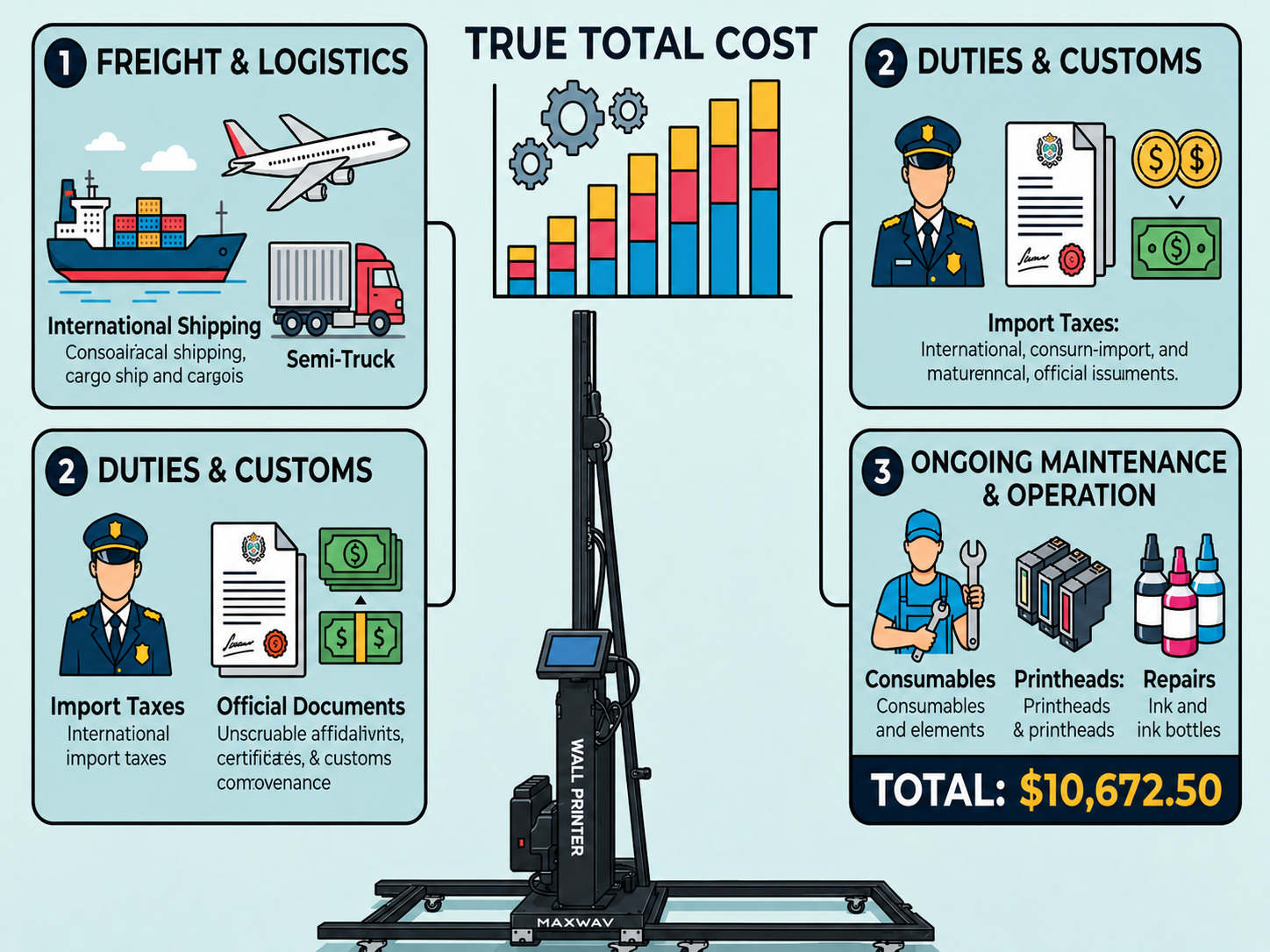
The price on the quotation is the smallest number in this transaction. Everything after it — freight, port fees, customs duties, ink, spare parts, and service labor — is where the real cost of owning a wall printer gets built.
Most buyers get this wrong. They see $12,000 on the Proforma Invoice and earmark $12,000 in their head. By the time the machine is running in their workspace, the actual cash out the door is closer to $15,500 — sometimes more. That gap isn't fraud. It's just the math that nobody walked them through before they wired the deposit.
Here's the full picture.
The Landed Cost: What It Costs To Get The Machine To Your Door
Step one: Know your Incoterm before you negotiate price.
FOB (Free On Board) means the supplier loads the machine onto the vessel at their export port. Everything after that — international freight, insurance, destination port fees, customs clearance, and inland trucking — falls on you to arrange and pay for.
CIF (Cost, Insurance, Freight) bundles in the main ocean leg and basic insurance. But CIF still doesn't cover destination terminal handling, customs brokerage, duties, VAT, or the truck from the port to your door.
No trusted freight forwarder or customs broker lined up? Push the supplier for a DDP (Delivered Duty Paid) quote instead. DDP locks in one all-in number — no surprise surcharges, no demurrage exposure, no customs paperwork headaches. You'll pay a small premium for that simplicity. For a first-time international equipment import, it's worth it.
Realistic freight line items for a commercial wall printer (200–350 kg crate):
Cost Item | Ocean Route | Air Route |
|---|---|---|
International freight | $400–$1,000 | $1,500–$3,500 |
Terminal handling (THC) | $150–$350 | — |
Port docs & handling fees | $100–$250 | $100–$200 |
Customs brokerage | $100–$300 | $100–$300 |
Inland trucking (50–150 km) | $150–$400 | $150–$400 |
Total estimated range | $700–$1,500 | $1,800–$4,000 |
Air freight is faster. But unless you need to start generating revenue within two weeks, ocean freight wins on TCO almost every time.
One more trap to flag: port storage and demurrage. Delayed, incomplete, or mismatched customs documents mean your crate sits at the port. Ports charge $50–$150 per day for that. Clean paperwork prevents it. Budget a $150 contingency anyway.
Duties And Taxes: The Line Item That Varies Sharply By Country
Direct to wall printing technology equipment falls under HS codes for industrial inkjet printing machinery. The duty rate on that classification depends on your country and any active trade agreements.
Three realistic duty scenarios for budgeting:
Low-duty markets (many developed economies with trade agreements): 3–5% of CIF value
Mid-duty markets: 8–12% of CIF value
High-duty markets (some developing economies with protective tariffs): 15–25% of CIF value
Then add VAT or GST on top. Most markets charge 10–20% VAT on a base of CIF value plus duty plus applicable port charges.
A concrete example using a $12,000 FOB machine:
Add $1,100 freight and port fees → CIF ≈ $13,100
Duty at 8%: $1,048
VAT at 15% on ($13,100 + $1,048): ≈ $2,122
Inland delivery: $300
Total landed cost: ~$16,570
That's $4,570 above the FOB price — a 38% premium before the machine runs a single job. Get the exact HS code from your supplier. Run it through your country's customs portal before you finalize your business case. Don't estimate this number.
Year-One Operating Costs: Ink, Consumables, And Maintenance Reserve
Once the machine is installed, three recurring cost buckets kick in right away.
1. UV Wall Printer Ink
A UV wall printer running moderate commercial volume — around 2 to 4 jobs per week — uses between 3.75 and 7.5 liters of ink per year. That's based on 250–500 m² of printed output at an average of 15 ml/m².
Premium UV wall printer ink runs $50–$120 per liter, depending on brand and purchase channel. Here's what to budget:
Light use: ~$240/year
Moderate use: ~$480/year
Heavy commercial use: $800–$1,000+/year
Also factor in cleaning solution ($50–$150/year), waste ink tanks ($40–$150/year), and maintenance swabs and filters ($60–$240/year).
Year-one consumables total (rule of thumb):
- Lean operation: $400–$600
- Moderate: $600–$1,000
- Heavy: $1,200–$2,000+
2. Maintenance Reserve
The standard planning figure for capital equipment is 1–2% of machine value per year for parts. Budget higher if the machine is a budget-tier model or your supplier's support logistics are weak.
Parts that tend to fail in year one or two include drive belts ($30–$100 each), ink damper assemblies ($5–$25 per unit), pump modules ($80–$250), and limit switches ($5–$30 each). Each one is minor on its own. Together, the costs add up over time.
For a $12,000 wall printer with average support:
- Parts reserve at 2%: $240/year
- One annual service visit (4–8 hours at $40–$120/hour): $160–$960
- Year-one maintenance line total: $400–$1,200
Self-servicing with remote support? Your main cost is time. Relying on local technicians in a market where automatic wall inkjet printer support is scarce? Budget toward the higher end.
Putting It All Together: Your Year-One TCO Snapshot
Cost Bucket | Realistic Range |
|---|---|
Machine (FOB) | $12,000 |
Freight, port, and brokerage | $900–$1,500 |
Customs duty (8%) | ~$1,050 |
VAT/GST (15%) | ~$2,100 |
Inland delivery | $200–$400 |
Total Landed Cost | ~$16,250–$17,050 |
Year-1 consumables (moderate) | $600–$1,000 |
Year-1 maintenance reserve | $400–$1,200 |
Year-1 TCO | ~$17,250–$19,250 |
That $12,000 machine is a $17,000–$19,000 first-year commitment. That's the number your business model needs to justify — not the FOB price. Know it before you sign anything.
Unboxing, Voltage Checks And The Standard Incoming Inspection Protocol
The crate arrives. Everything looks intact from the outside. You sign the delivery paperwork, and your team starts unsealing. Three hours later, you find the machine is wired for 220V — but your facility runs on 110V. That exact scenario has derailed buyers across North America. It costs them 2–6 weeks of downtime, transformer retrofits, and electrician fees — all before the machine prints a single square inch.
Most buyers have no protection at this stage. Here's how to fix that.
Confirm Electrical Specs Before The Machine Ships — Not After
Lock these four numbers into your contract in writing:
Rated input voltage and frequency — 110–120V/60Hz vs. 220–240V/50Hz, and whether the PSU is single-voltage or auto-ranging
Continuous power draw — commercial wall printers pull 2.5–4.0 kW continuous, with inrush current 1.5–2× that at startup
Required breaker rating — 3 kW at 110V needs a 30A breaker; the same load at 220V needs just 16A
Plug type and cable gauge — NEMA, Schuko, or BS1363; minimum 2.5 mm² for 16A at 230V
Add a clear non-conformance clause. It should state: if the delivered voltage spec differs from what's on the Proforma Invoice, the supplier pays for all transformer hardware, rewiring labor, and any return freight. No clause means no protection.
Document The Crate Before You Touch It
Photograph every side of the crate before you unseal anything. Look for:
Impact dents, punctures, or crushed corners
Tilt or shock indicator labels that have tripped
Shipping labels with model, serial number, and gross weight
See visible damage? Write "Received with visible damage — subject to detailed inspection" on the carrier's delivery paperwork. Get the driver's signature too. That note is your legal protection if you need to file a claim later.
The Incoming Inspection Sequence
Work through this in order. Skip steps and you miss problems that become expensive to prove once you sign final acceptance.
1. Unbox and cross-check the packing list
Check the correct voltage variant, all major assemblies (frame, carriage, rails, electronics cabinet, cable chains), and every accessory — power cables, spare fuses, ink lines, software dongles. Stick a temporary "Under Inspection" label on the chassis. Leave it there until you complete every check below.
2. Mechanical integrity
- Inspect all frame beams for cracks, deformation, or weld failures
- Measure frame diagonals: the difference should be less than 2–3 mm over a 2–3 m span
- Slide the carriage by hand along X and Y rails — movement should be smooth with zero binding
- Check timing belt tension: 3–5 mm deflection at mid-span when pressed by hand
3. Electrical verification — before first power-on
- Match the printing machine's nameplate rating against your contract specs
- Use a true-RMS multimeter at the wall outlet: confirm line voltage stays within ±10% of rated
- Verify a low-resistance ground bond between the machine frame and PE earth
- Run all three checks first. Then switch on the main breaker for a dry power-on
4. Functional safety checks
- Press E-stop right after power-on — confirm all motion stops and the machine cannot restart until you reset it by hand
- Run a homing cycle on each axis — the carriage must stop at travel limits without hitting mechanical hard stops
- Run the built-in nozzle check in dry mode and confirm the carriage moves across its full range without error
5. Software and wall printer software compatibility
- Verify the RIP software dongle activates without error
- Confirm driver compatibility with your OS (Windows 10/11 64-bit is standard)
- Send a test job from RIP to machine with printing disabled — confirm queuing works without disconnect errors
- Back up the machine parameter set and color profiles right away
If Something Is Wrong, Do Not Sign Final Acceptance
This is the single most important rule in this checklist.
Find a cracked frame, bent rail, or electrical mismatch? Stop. Do not attempt field repairs. Do not sign any delivery acceptance document. Power off and isolate the machine. Within 24–48 hours, send the supplier a formal non-conformance report. Include the serial number, PO reference, timestamped photos, and direct reference to your warranty and damage-on-arrival clauses.
Ask for a written corrective action plan before you accept anything. That could mean video-guided part replacement, full return and replacement, or freight compensation to cover local repair costs. Suppliers who push back on this are telling you something useful — that's how they'll act when something more serious breaks six months from now.
Wall Prep, Setup Workflow, And Real-World ROI Projection
Three things kill wall printing businesses before they turn a profit: bad surface prep, a setup workflow that eats two hours per job, and a pricing model built on hope instead of numbers.
Fix all three before your first commercial booking. You'll already be ahead of most operators out there.
Surface Prep: The Step That Determines Print Quality Before You Touch The Machine
Your wall printer resolution quality doesn't start with the printhead. It starts with the wall.
Direct to wall printing technology works well on a short list of surfaces. Matte or eggshell latex-painted drywall — cured for at least 7–14 days — gives you uniform ink absorption and clean edge definition at 300–720 dpi. Acrylic-primed drywall and sealed MDF panels behave the same way. Bare concrete and smooth plaster work too. Just keep moisture content below 5% and apply a clear sealer first to close surface porosity.
The problem surfaces — the ones that cause reprints and customer complaints — include:
High-gloss and semi-gloss paint
Glazed tile, glass, and sealed masonry
Powder-coated metal
UV wall printer ink beads or wipes off these surfaces without treatment first. The prep process is simple:
Degrease with isopropyl alcohol
Light scuff with 220–400 grit where spec permits
Apply UV adhesion primer at 8–12 m²/L, flash off 20–30 minutes, full cure 1–4 hours before printing
Before any commercial job on a questionable surface, run a 10×10 cm test print followed by a cross-hatch tape test. You're targeting ≥4B adhesion on the ASTM D3359 scale. Anything below that means handing a customer a wall mural that peels in six months.
Moisture is a separate failure mode on its own. Pin-type meter reading above 6%? Stop. Visible efflorescence, heavy chalking, or surface pH above 10 on fresh concrete? Use neutralizing primer first, then check again.
Realistic prep time benchmarks (per 20–30 m² wall):
Surface Condition | Estimated Prep Time |
|---|---|
Clean interior paint, good condition | 0.5–1.0 hour |
Light patching, sanding, spot priming | 1.5–3.0 hours |
Gloss/tile/glass with adhesion primer | 1–2 hours (plus parallel cure time) |
Build prep time into your job quotes. Operators who don't charge for prep are working for free.
Setup Workflow: What A Productive Job Looks Like In Practice
A new operator on their first few solo jobs will spend 45–90 minutes on track setup alone. An experienced operator cuts that down to 20–40 minutes — door to print-ready.
That gap adds up fast across a month of bookings.
The repeatable setup sequence:
Confirm surface prep is complete. Measure print area and verify gantry clearance
Assemble track and vertical mast. Verify plumb with a laser level — target ≤±1 mm variance across the span
Power on, home all axes, and calibrate Y-axis origin against a physical registration mark
Import file to RIP. Assign the correct ICC profile for your surface, then set resolution, pass count, white ink layers, and total ink limit — 120–160% for wall surfaces is the standard range
Print a 10–20 cm test strip to confirm color accuracy, banding, and nozzle health before starting the full job
Learning curve reality check: Most new operators hit solid, clean performance — no head strikes, no banding, no profile errors — after 3–5 supervised mock installs. Seam blending for large murals that go beyond the machine's max width takes another 10–15 hours of focused practice. You're aiming for alignment within ±1 mm and color delta E below 3 between panels.
Full on-site time for a 20–30 m² mural (single experienced operator):
Phase | Time |
|---|---|
Setup and calibration | 30–60 minutes |
Printing | 1.0–2.5 hours |
Teardown and cleanup | 20–40 minutes |
Total on-site | 2–4 hours |
ROI Projection: Run The Math Before You Run The Machine
Indoor and outdoor wall printer operators price between $30–$80/m². Most mid-market commercial work lands at $40–$60/m² for standard interior murals.
Here's the formula that matters:
Monthly Net Profit = (Rate × Monthly Area) − (Variable Cost × Monthly Area) − Fixed Overhead
Payback Period (months) = Total Capital Outlay ÷ Monthly Net Profit
Solo-operator scenario with real numbers:
A mid-range automatic wall inkjet printer package — machine, training, launch marketing — costs $40,000–$60,000 all-in. Variable costs including UV wall printer ink, maintenance, and on-site consumables run around $6–$9/m². Monthly overhead for marketing, software, insurance, and financing adds another $1,000–$2,000.
Monthly Bookings | Revenue at $50/m² | Variable Cost at $7/m² | Net After $1,500 Overhead |
|---|---|---|---|
3 jobs × 20 m² (60 m²) | $3,000 | $420 | $1,080/month |
5 jobs × 20 m² (100 m²) | $5,000 | $700 | $2,800/month |
At $40,000 capital outlay, those two scenarios produce payback periods of 37 months and 14 months. Operators running rates of $60–$70/m² with larger average job sizes (30–40 m²) and 5–8 bookings per month report 8–14 month capital recovery windows on a regular basis.
The verticals that get you there fastest:
Hospitality — hotel lobbies, corridors, themed rooms: 20–80 m² per property, repeatable across chains
Retail and QSR — branded and seasonal walls: 10–40 m² per site, multi-location rollouts
Real estate staging — statement walls in premium listings: 8–20 m², fast-turn cycles
Events and trade shows — backdrops and photo walls: 15–50 m², premium rush pricing justified
One scaling signal worth tracking: your utilization exceeds 60–70% of available print hours for three straight months, or turnaround time starts slipping past 7–10 days. Either one means you're leaving revenue on the table. That's your trigger to add capacity — not before.
Know your numbers from day one. The operators who struggle aren't running inferior machines. They're the ones who priced by gut feel and ran the math six months too late.
Conclusion
Buying a wall printer machine isn't just a purchasing decision — it's a business bet. The outcome is shaped by the preparation you do before the money changes hands.
Here's what sets buyers who succeed apart from those posting angry reviews six months later:
They verified before they trusted
They calculated before they committed
They tested before they signed off
Supplier credentials, true total cost of ownership, incoming inspection protocols — none of this is optional. Skip any of it, and you risk ending up with a machine that collects dust in a warehouse instead of printing profit.
Now it's your move.
Pull up your shortlisted suppliers. Run each one through every checkpoint in this guide. Ask the hard questions. Request original certification documents. Calculate your real TCO — not the sticker price.
The wall printer market rewards the prepared buyer. Be that buyer.