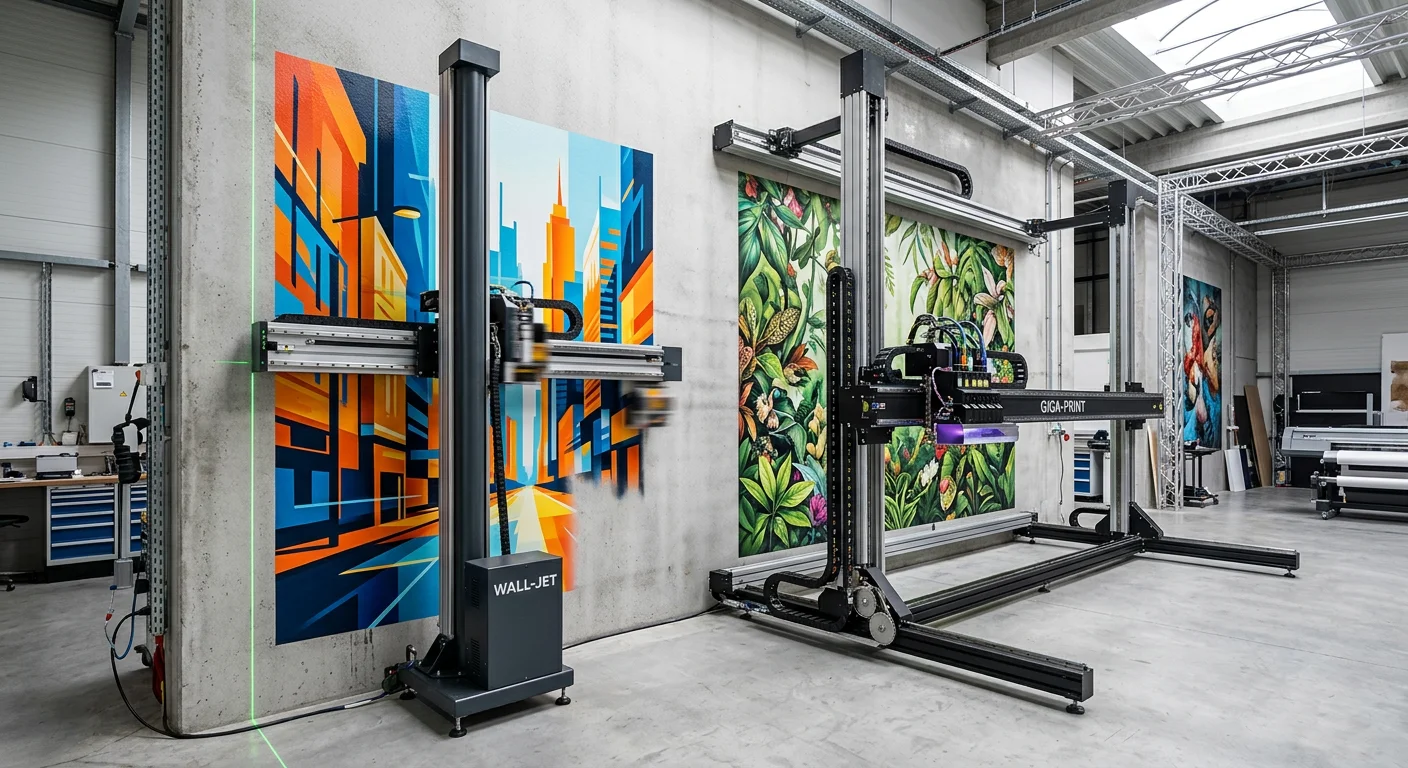
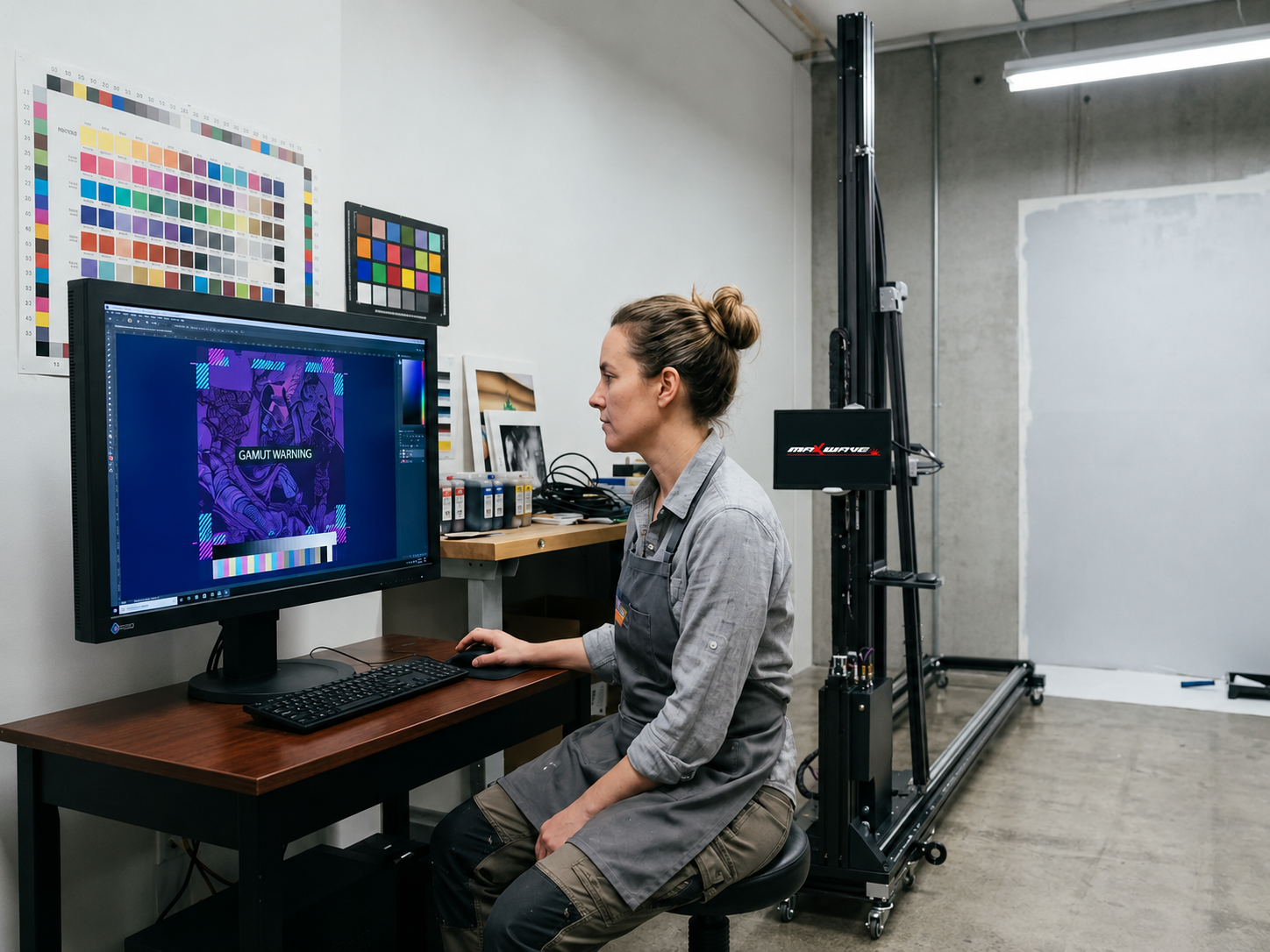
You've already done the hard part — you found Wallpen, watched the demos, and you're this close to pulling the trigger. But something's holding you back. That instinct is worth listening to.
Buying a wall printing machine for home or commercial use isn't like ordering a gadget off Amazon. The real cost, the hidden friction, and the post-purchase reality look very different from what any sales page will tell you.
This guide comes from the other side of that decision. After the wire transfer. After the customs clearance. After the first test print on a textured wall that nobody warned you about.
You're about to commit a five-to-six-figure budget. Run through what's here first. Thirty minutes of reading could save you months of regret.
True Cost Breakdown: Machine, Consumables & Logistics
Most buyers get the sticker price right and everything else wrong.
The Wallpen E2 is quoted at $49,630–$65,000 USD. That number alone tells you very little. You still need to know what's included. Software? Installation? Training? Wall-scan calibration? These aren't minor line items. They're the difference between a clean purchase and a budget that falls apart before your first paying job.
Here's the right way to frame it: TCO = machine CAPEX + consumables + freight/import + training + maintenance + downtime reserves. That's the number that actually tells you whether this investment makes sense.
The Machine Quote Is Just the Starting Point
Before you sign anything, confirm what's bundled and what gets billed as an add-on:
RIP software licensing — single-machine or multi-machine? Perpetual or annual renewal? Updates included?
On-site commissioning vs. remote setup — on-site costs more, but at this price point, it's rarely skippable
Operator training — don't assume it's free just because no one mentioned a fee
Ask the vendor to spell out each item in writing. The answers can shift your Year 1 total by thousands of dollars.
Ink and Consumables: The Cost You'll Pay Forever
Hold onto this benchmark: $2–$5 per square meter for effective ink coverage. Before you accept any quote, push for more detail:
What's the coverage rate per color set?
What's the minimum order quantity? What's the shelf life?
Are cartridges locked to a proprietary format? What happens if supply gets delayed?
What do volume pricing tiers look like after Year 1?
Ink is your recurring operating cost. It never stops. A machine with a lower upfront price but expensive proprietary ink will cost you far more over a 3-year period. Run the numbers before you commit.
Printheads, Maintenance, and the Reserve You'll Wish You'd Built In
The Wallpen uses 5 × Ricoh GH2220 printheads at around $600 each. Full replacement cycle: ~$3,000. That's not a worst-case scenario — it's a predictable maintenance event. Plan for it from day one.
Also, set aside 15–20% of your annual consumables and parts spend for cleaning fluids, calibration kits, seals, and wear items. Industry benchmarks for industrial equipment place annual maintenance at 2–5% of purchase price — treat that as your floor, not your ceiling.
Commercial operators need an extra buffer. Budget $8,000–$12,000 beyond the machine quote to cover spare printheads, backup ink, filters, and software recovery. Your business depends on uptime. This buffer isn't optional.
Freight and Import: Get a DDP Quote or Protect Yourself
A crated UV wall printer in the 150–250 kg range needs careful shipping planning. Always request a DDP (Delivered Duty Paid) quote. This puts the seller on the hook for freight, customs brokerage, import duty, port handling, and last-mile delivery — all in one clear number.
A FOB or CIF quote shifts the destination-side risk to you. Those fees add up fast, and the total depends heavily on your country's import duty structure. Don't leave that open-ended.
Your Pre-Deposit Checklist
Before any wire leaves your account, confirm every line:
Cost Item | Confirmed? |
|---|---|
Exact machine price | ☐ |
RIP software included or separate? | ☐ |
Annual software renewal fee | ☐ |
Ink price per m² and per liter/cartridge | ☐ |
Printhead model + replacement cost | ☐ |
Installation and training included? | ☐ |
Warranty term and exclusions | ☐ |
DDP landed cost (freight + duties + last mile) | ☐ |
Import duty/VAT responsibility | ☐ |
Spare parts list with prices | ☐ |
Lead time for consumables and printhead reorders | ☐ |
Run this list in full. Three or more unclear answers means you're not ready to order. Find that out now — before the wire, not after.
Technical Compatibility & Site Preparation Requirements
Most buyers obsess over the price tag and forget about what needs to happen before the machine ever touches a wall. That oversight costs real money.
Here's the uncomfortable truth: a Wallpen arriving at a site that isn't ready will underperform on day one — or damage itself trying. Technical prep isn't a formality. It's what separates a successful installation from a very expensive frustration.
Electrical: Get This Wrong and Nothing Else Matters
The Wallpen operates on 110–120 V or 220–240 V, 50/60 Hz single-phase. Match that to your local utility standard before ordering, not after.
Here's the detail most buyers miss: peak inrush current at startup runs 2–3× the operating draw. Think 20–25 A on startup against an 8–10 A running load on a 110 V system. A standard shared circuit won't handle that load reliably.
What you need:
- A dedicated breaker — no shared HVAC, heaters, or compressors on the same line
- A grounded 3-wire outlet with ground resistance ≤5 Ω
- A line-interactive UPS sized at full load + 20–30% headroom if your grid fluctuates beyond ±5–10% of nominal
- Reserve 15–20 A capacity for 110–120 V setups, or 10–16 A for 220–240 V
Also confirm your RCD/GFCI breaker type. Some servo-driven systems trip sensitive protection devices without warning. Talk to the vendor about this before the machine ships.
Space & Clearance: Measure Twice, Print Once
The Wallpen supports a maximum ~4 m (≈13 ft) print height with modular mast increments. That ceiling height number is your first hard constraint.
Beyond height, confirm these clearances on-site before setup:
Clearance Zone | Minimum Requirement |
|---|---|
Above print area (top) | 20–30 cm to avoid ceiling collision |
Below print area (bottom) | 5–10 cm from floor/baseboard |
Operator-side lateral zone | 1.5 m clear for carriage movement |
Behind machine | 0.5–1 m for cables and ventilation |
Rail end buffers | 0.5–1 m acceleration/deceleration zone each side |
Floor condition matters too. The carriage runs on wheels. Max acceptable unevenness is ≤5 mm per 2 m. Remove loose tiles, ramps, and threshold strips before the machine arrives.
Environment, IT, and Wall Surface: The Three Overlooked Variables
Environment: Target 18–26 °C and 40–60% relative humidity during printing. Keep direct sunlight, HVAC drafts, and construction dust away from the print zone. Let the wall and machine acclimate for 2–4 hours before and after each session. Temperature differences cause condensation, and condensation destroys ink adhesion.
IT and RIP workstation: Your wall printer software RIP performs only as well as the hardware running it. Minimum specs to avoid bottlenecks: - OS: Windows 10/11 or supported macOS build - CPU: 4–8 cores (workstation-class for high-res murals) - RAM: 16–32 GB - GPU: 4–8 GB VRAM if the RIP uses GPU rendering - Storage: SSD with ≥50–100 GB free for job spooling - Network: wired Ethernet between workstation and printer controller — Wi-Fi mid-job causes failed prints
Design files need to be vector masters with raster artwork exported at 150–300 DPI at final print size. Embed fonts, use CMYK wall printer ink-matched color profiles, and keep backups both local and cloud.
Wall surface preparation for printing: This is where most first-time buyers get caught off guard. These steps are non-negotiable:
Moisture content ≤4–5% — measure it, don't guess
Porous concrete or raw plaster needs a manufacturer-approved primer/sealer to stop ink bleed and keep DPI consistent across the mural
Surface variance must stay ≤5 mm per 30 cm — beyond that, you risk printhead strikes or focus blur. Heavy stucco, brick relief, and stone need skim-coating or floating before a single test print runs
Fresh paint needs 7–14 days of full cure time (not recoat time) — printing on uncured latex causes solvent migration and long-term adhesion failure
Gloss and semi-gloss finishes need light de-glossing before printing. Chalked or aged paint needs a bonding primer first
Pre-Order Compatibility Checklist
Readiness Area | Confirmed? |
|---|---|
Voltage/frequency matches local supply | ☐ |
Dedicated grounded circuit with sufficient ampacity | ☐ |
UPS/AVR in place for unstable grid | ☐ |
Ceiling height > planned print height + 30 cm | ☐ |
1.5 m lateral operator clearance confirmed | ☐ |
Floor level within ≤5 mm per 2 m | ☐ |
Operating temp 18–26 °C and RH 40–60% maintained | ☐ |
RIP workstation meets CPU/RAM/GPU/SSD specs | ☐ |
Wired Ethernet connection confirmed | ☐ |
Wall moisture ≤4–5%, primed, and cured | ☐ |
Surface variance ≤5 mm per 30 cm across print zone | ☐ |
Paint cure time (7–14 days) completed | ☐ |
Three or more unchecked boxes means your site isn't ready. That's not a reason to push back the order without a plan. Each unchecked item has a clear fix. Work through the list before the machine ships.
Real-World Performance vs. Official Claims
Here's a number the sales page won't show you: real-world output on a wall printer runs at 30–70% below the advertised spec. That gap isn't a bug or a bad batch. It's what happens when polished demo conditions meet actual production floors.
Before you wire any money, know where those gaps live.
Speed: The Spec That Misleads the Most
The Wallpen — like most UV wall printers and direct to wall printers — advertises throughput in "up to" numbers. Up to 10 m²/h sounds compelling. Here's what that means in practice:
That figure is measured on simple vector files at draft speed with light coverage. It is not your Tuesday workload.
Complex gradients and heavy color fills drop speed by 40–60% versus flat vector designs.
White underbase layers — which you'll need on any dark wall — add 1–2 full extra passes. That doubles your runtime.
Setup, alignment, nozzle checks, and post-print cleaning eat up 15–25% of every production shift.
The planning rule that works: Take the advertised m²/h figure. Multiply by 0.35. That's your real average across a mixed commercial job queue.
10 m²/h claimed → 3–4 m²/h effective. Build your capacity model and your pricing around that number, not the brochure.
Resolution: What 1200 DPI Delivers on a Textured Wall
High-DPI specs look impressive on paper. Reality is more complex.
Most professional shops running inkjet wall printers at production scale land on 600×720 DPI as the practical sweet spot. It balances visible sharpness, ink consumption, and job throughput without pushing the hardware into diminishing returns.
Ask the vendor for printed swatches at 600×720 DPI across three surfaces before accepting any resolution claims:
Smooth painted interior wall
Semi-rough concrete or plaster
One high-gloss substrate (glass or sealed tile)
On each sample, check:
- Fine text legibility at 3–5 mm character height
- Diagonal line sharpness — this is where banding shows up first
- Tonal smoothness in 25–50% gray fills
Then ask this exact question: "At what DPI do more than 80% of your paying customers run their jobs day to day?" That answer tells you more about real print quality than any spec sheet ever will.
Material Claims vs. What Actually Adheres
Wall mural printing equipment marketing lists glass, metal, wood, concrete, tile, and plaster as supported substrates. That's accurate. It's also incomplete.
What the compatibility list doesn't tell you:
Uneven or glossy surfaces force a larger head gap. That reduces dot placement accuracy and increases overspray. The image looks sharp in demo conditions. In the field, it looks softer.
Dark backgrounds require double-pass white underbase — one or two white layers before CMYK hits the wall. That's 2–3× the print time and a noticeably higher ink cost. White pigment concentration runs higher than standard CMYK wall printer ink.
UV curing distance has no margin for error. Curved walls, recessed panels, and surfaces with relief can push certain sections outside the lamp's effective curing band. The ink stays tacky and scratches with little force.
For each surface type you plan to print on commercially, request these two tests from the vendor:
Cross-hatch adhesion + tape pull after 48 hours of curing
Light abrasion test — a cloth wipe across a 10×10 cm sample after full cure
A vendor who can't provide samples on your specific substrate category is sending you a clear signal. Take it seriously.
Durability: Indoor Claims vs. Outdoor Reality
"UV-cured, scratch-resistant, water-resistant" — these phrases show up in almost every wall art printing technology pitch. Here's the honest breakdown:
Condition | Realistic Lifespan |
|---|---|
Indoor, away from direct sunlight | 5+ years before visible fade |
Exterior, strong UV exposure | Fade noticeable in 2–3 years without protection |
Exterior with clearcoat/anti-UV varnish | 3–5+ years under normal mid-latitude sun |
The protection coating matters. Before committing to any outdoor project — or pitching multi-year durability to clients — confirm two things with Wallpen:
Do they require or recommend a secondary clearcoat for any warranty claim beyond 3 years outdoors?
What specific product — 2K PU, acrylic clear, specific brand — was tested alongside their ink system?
Want to run your own validation? Mount a printed sample outside for 30–60 days. Track color shift, chalking, and edge flaking. That 60-day field test tells you more than any accelerated lab report.
The White Ink Problem Nobody Warns You About
White UV ink is the highest-maintenance channel on any automatic wall painting machine. It carries far more pigment than CMYK, and that pigment settles fast.
Leave the machine idle for more than 3–4 days without proper maintenance and the clogging risk climbs fast. In some cases, you'll need full head replacement — not just a cleaning cycle.
Confirm these points with the vendor before ordering:
Does the system run automated daily cleaning cycles, including on non-printing days?
Are white channels on pressurized recirculation to prevent sedimentation?
What is the maximum safe idle period before the white channel needs manual intervention?
What is the average monthly ink waste (ml/month) from maintenance cycles across active customer sites?
These aren't edge-case questions. Most commercial wall mural jobs will need white ink at some point. The answers to these questions hit your operating costs and your printhead lifespan directly.
Pre-Order Performance Verification Checklist
Skip the YouTube demos. Skip the trade show footage. Those are synthetic benchmarks — optimized files, pre-leveled panels, fresh heads, perfect humidity. None of that reflects your real job queue.
The number worth trusting is the one you measure yourself.
Verification Step | Completed? |
|---|---|
Requested printed swatches at 600×720 DPI on 3 surface types | ☐ |
Confirmed vendor's actual customer-reported daily DPI setting | ☐ |
Timed a full 4–5 m² mural with gradients + text at production DPI | ☐ |
Measured wall-to-wall time including warm-up, alignment, clean cycle | ☐ |
Confirmed effective m²/h is ≥30% of advertised "up to" figure | ☐ |
Tested adhesion via cross-hatch + tape pull on your target substrate | ☐ |
Confirmed clearcoat requirement for outdoor or 3+ year durability claims | ☐ |
Asked for white ink idle protocol and max safe downtime period | ☐ |
Requested accelerated weathering test data or outdoor sample results | ☐ |
Four or more unchecked boxes means the vendor hasn't given you enough to work with. That's not a reason to walk away. It's a list of conversations you need to finish before any deposit changes hands.
Warranty Coverage, Spare Parts & Support Protocols

The warranty document tells you everything the sales pitch won't.
Most buyers scan it once, file it away, and find out its limits at the worst moment. A printhead fails at 11 PM before a client deadline. Don't be that buyer.
What Your Warranty Should Cover
Push for these minimums in writing before any deposit clears:
Hardware (X/Y/Z axis, mainboard, motors, power supply): 12–24 months on all major modules
Printheads: Most manufacturers class these as consumables. Negotiate at least 6–12 months of limited coverage against manufacturing defects. Make sure the contract excludes misuse and incompatible ink — not you.
Accessories and tools: 12 months parts-only is the standard benchmark
Labor on critical failures: 12 months at minimum. Target the same window as your parts coverage.
Here's the clause most buyers forget to request: a specific list of excluded components. Belts, nozzles, cabling, fuses, seals — vendors carve these wear items out of coverage all the time. If the contract doesn't name them, assume they're excluded.
Also confirm your environmental specs are attached to the contract itself — not buried in a PDF footnote. That means operating temperature range, humidity tolerance, required voltage tolerance, and grounding specification. Site conditions can cause failures. A spec sheet that isn't part of the contract won't protect you in a warranty dispute.
Spare Parts: The Supply Chain Risk Nobody Talks About
Your UV wall printer is only as reliable as your access to replacement parts. The machine going down isn't the crisis. The machine going down with a 6-week parts lead time — that's the crisis.
Before ordering, request a current PDF or spreadsheet listing SKUs and prices for:
Part Category | Why It Matters |
|---|---|
Printheads (GH2220 or equivalent) | The single highest-cost replacement you're likely to face |
Ink delivery parts (hoses, dampers, pumps) | Wear items — they fail quietly until they don't |
Linear rails and belts | Affect print registration across every job |
Limit switches, encoders, UV sensors | Cheap to replace, catastrophic when unavailable |
Mainboard, motion controller, power supplies | Longest lead times, highest failure cost |
Then ask the vendor straight: what's your standard lead time from the factory warehouse? The number you want to hear is 7–14 days for non-stock parts. From a local distributor or service partner, 24–72 hours for common failure items.
No written lead time table? That silence is data.
One more thing: negotiate a startup spares kit at purchase. At minimum, it should include one set of critical sensors, a full belt set for X/Y/Z axes, one spare ink pump with dampers, and a quoted replacement for the UV lamp module. Check that all part numbers match your machine's serial number. Generic kits from the same product line don't always cross-fit.
Remote Support: Get the SLA in Writing
"24/7 support" is marketing. A signed SLA is enforceable. Here's the baseline worth negotiating:
First response via email/ticket: ≤4 hours during local business hours
Phone or instant messaging queue time: ≤30 minutes
Remote diagnostic start for Tier-1 failures (machine not starting, error codes, UV curing failure): within 4 hours of ticket submission
Also confirm support is available in your language. A support team that only responds in Mandarin is no help to an English-speaking operator in the middle of a breakdown — no matter how capable they are.
Ask the vendor to define their tiered support structure:
Tier 1 — error codes, settings, software installation, basic operation questions
Tier 2 — electrical issues, motion control, firmware, encoder faults
Tier 3 — printhead and ink system rebuilds, mechanical overhauls
For each tier, find out who delivers it — OEM direct, regional distributor, or third-party partner. Get the target resolution time for each level too. This isn't bureaucracy. It's the difference between a 4-hour fix and a 4-day wait.
Three Issues Worth Settling Before You Sign
What happens to your wall printer RIP software after the warranty expires?
Most industrial RIP licenses are either subscription-based or perpetual with paid maintenance. After a lapse, advanced functions — color profiling, nesting, ICC management — often lock out. Basic printing may still work, but with restrictions. Get the full licensing model in writing. Include renewal pricing for years 1 and 3. A 10–20% prepaid discount for multi-year software commitments is standard in B2B — ask for it upfront.
Can you use third-party CMYK wall printer ink to cut costs?
Short answer: yes, you can. But it carries legal risk. Most OEM warranties exclude printhead failures caused by non-approved consumables. Before testing any third-party ink, get the vendor's written position on which failures stay covered. Ask whether they maintain a validated third-party ink list. Run the test on one machine only. Use sample panels — not client walls. Log every ink batch and cleaning cycle for traceability.
What if you want to sell the machine down the road?
This is where buyers get caught off guard. Some manufacturers require factory recertification before approving a transfer to a second owner. For complex industrial systems, costs for inspection, transport, and retraining can reach $18,000 USD — that's not unusual. Confirm whether your warranty is transferable. Check whether software licenses are tied to your company name or to the machine serial number. Find out whether a recertification fee applies. Resale flexibility matters? Negotiate a capped transfer fee or a pre-agreed transfer process before you sign.
Pre-Order Warranty & Support Checklist
Item | Confirmed? |
|---|---|
Hardware warranty term (12–24 months minimum) | ☐ |
Printhead warranty terms and exclusions in writing | ☐ |
Covered vs. excluded components listed in the contract | ☐ |
Environmental specs attached to the contract | ☐ |
Spare parts catalog with SKUs and prices received | ☐ |
Lead time table for in-stock, non-stock, and special-order parts | ☐ |
Startup spares kit quoted and part numbers verified | ☐ |
Obsolescence policy (5–7 year minimum support window) confirmed | ☐ |
Remote support SLA with response times documented | ☐ |
Tiered support structure and escalation path defined | ☐ |
On-site dispatch timeline and cost structure itemized | ☐ |
RIP software license type (perpetual vs. subscription) clarified | ☐ |
Third-party ink policy confirmed in writing | ☐ |
Warranty transfer conditions and fees documented | ☐ |
Four or more unchecked boxes means the conversation with your vendor isn't done. That's where these negotiations belong — before the wire transfer, not after the crate arrives.
ROI Reality, Contract Terms & Delivery Safeguards
Let's talk about the numbers vendors don't put in their brochures.
Every Wallpen sales calculator assumes you're running near full capacity, charging premium rates, and booking jobs from month one. None of that is realistic for most buyers. Build your purchase decision on those assumptions and you're heading for a cash flow problem — not a business.
What the ROI Really Looks Like
The mural printing market does support $30–$80 per m² in most markets. That's real. The math problem isn't on the revenue side — it's on the utilization side.
Here's the cost stack most buyers don't see until they're already operating:
Cost Item | Per m² Estimate |
|---|---|
Ink & consumables | $2–5 |
Labor (at 3 m²/h effective) | $2.70–6.70 |
Travel & on-site setup (per job) | $2.50–7.50 |
Machine depreciation (5-yr straight line) | $1–3 |
Total direct cost | ~$8–22/m² |
Sell at $50/m² against that stack and you're looking at $35/m² gross margin — a healthy number on paper. The catch: you have to go out and book those jobs.
First-year operators hit 40–60% utilization. Not because the machine can't run faster. Sales ramp takes time. Sites aren't always accessible. Weather disrupts outdoor jobs. Client approvals drag. That's the reality of a service business.
The ROI timeline vendors pitch: 4–6 months.
The conservative model with 50% utilization, mid-range pricing, and 15% rework factored in: 8–12 months to recoup your full capital outlay — then 4–5 years of profitable operation.
The vendor's ROI calculator shows utilization above 80%? Or it doesn't account for rework, discounts, or bad debt? Throw it out and build your own spreadsheet. Use real inputs: local market prices gathered from existing mural painters and sign shops, your actual fixed costs each month (insurance, van, storage, marketing), and variable job costs like scaffolding rentals or parking.
Two numbers matter most in any model: 3 m²/h effective print speed and 70% maximum billable utilization. Anything more optimistic than that needs hard evidence behind it.
Contract Terms: The Clauses That Bite Later
The contract you sign before the deposit wire is the one protection you have after the crate arrives. Most buyers read it once. The ones who get burned didn't read it close enough.
Four clauses that trap buyers most often:
1. Auto-renewing software and cloud RIP licenses.
Many machines now pair with cloud-based RIP or job management tools billed each month or year. The contract may auto-renew unless you cancel 60–90 days before the term ends. Negotiate manual renewal, or at minimum, a capped price increase clause. The last thing you want is a critical software tool holding your production hostage at a new price.
2. Mandatory factory maintenance packages.
Some vendors bundle non-optional service contracts — $2,000–$5,000/year — with language stating the warranty is void unless factory technicians do the maintenance. Push back on this. Tie warranty validity to following documented maintenance procedures the right way, not to who performs them.
3. Non-refundable deposit clauses.
A flat "deposit forfeited upon cancellation" clause is a negotiating position, not a fixed policy. Counter with a sliding scale: 80% refundable before production starts, 50% refundable before shipment. Also negotiate the right to move your deposit to a different model or future order if the manufacturer misses the delivery window by more than 30–45 days.
4. Unilateral component substitution language.
Some contracts let the manufacturer swap out print heads, motion systems, or firmware without your approval. Add a clause requiring written buyer consent for any material specification change. The Ricoh GH2220 printhead is not interchangeable with a lower-cost alternative just because both fit the carriage on paper.
Delivery & Acceptance: Don't Sign Until You've Done This
A Wallpen-class wall printer arrives in 1–3 wooden crates, each running 2.2–2.5 m in length and weighing 150–350 kg per crate. You'll need a 1.5–2.5 tonne forklift or a pallet jack with a tail-lift truck — plus at least two to three people for safe unloading. Sort this out before the shipment lands, not after.
Before anything is unloaded, request these documents from the vendor:
Proforma invoice listing the full configuration — print heads, rail extensions, laser alignment system, all accessories
Packing list with crate count, weights, and crate dimensions
Factory test report with nozzle check photos, color bars, alignment results, and logged running hours (a new machine should show under 10–20 hours)
On-arrival inspection — do this before you sign the delivery receipt:
Photograph crate exteriors for any impact, puncture, or moisture damage before opening. Note everything on the bill of lading.
Open the crates, then check serial numbers on the main chassis, print head carriage, and control box against the packing list and invoice.
Count every accessory listed: rails, cables, ink lines, cartridges, calibration tools, sensors, spare parts.
Look for signs of prior use — ink residue in unexpected areas, worn cable chains, mismatched screws, evidence of repainting. These point to a refurbished or floor unit.
Find something wrong? Write "received with damage / shortage" on the carrier document and notify the seller in writing with photos that same day.
Run a formal Acceptance Test Procedure (ATP) before you release final payment. This document belongs as an appendix to your purchase contract — not something you agree on after delivery. Set out these terms upfront:
Minimum resolution and print straightness tolerance
Maximum acceptable banding threshold
Color matching standard versus a supplied reference sample
A 7–14 day window after installation to find defects and get them corrected before the last payment tranche is released
On payment structure — the standard cross-border terms for a machine at this price point are:
30–40% deposit on purchase order to secure the production slot
50–60% before shipment, after factory acceptance test videos are provided
10% retention released after successful installation and signed acceptance
For deals in the $30,000–$65,000 range, a partial letter of credit plus partial bank transfer is a solid structure. An irrevocable L/C ties payment release to verified shipping documents — bill of lading, commercial invoice, packing list, inspection certificate. That's real protection against non-shipment. An escrow service works the same way: funds stay held until you confirm delivery and basic functionality.
Pre-Order ROI & Contract Checklist
Item | Confirmed? |
|---|---|
Built your own ROI model using 3 m²/h effective speed and ≤70% utilization | ☐ |
Verified local market pricing via direct quotes from mural installers or sign shops | ☐ |
Modeled 8–12 month payback scenario, not vendor's 4–6 month version | ☐ |
Milestone-based payment schedule attached to contract | ☐ |
Deposit refund / reallocation terms negotiated | ☐ |
Software license type confirmed as perpetual (not subscription) for basic operation | ☐ |
Auto-renewal clauses identified and negotiated | ☐ |
Mandatory maintenance package terms reviewed and modified | ☐ |
Component substitution clause restricted to buyer-approved changes | ☐ |
Proforma invoice, packing list, and factory test report requested pre-shipment | ☐ |
Forklift / unloading logistics arranged before delivery date | ☐ |
ATP document included as contract appendix with defined acceptance criteria | ☐ |
7–14 day acceptance window with retention payment tied to sign-off | ☐ |
Payment instrument confirmed (L/C, escrow, or mixed structure) | ☐ |
More than four unchecked boxes means the contract conversation isn't finished. Finish it now. A vendor who pushes back on reasonable commercial terms is giving you the information you need — pay attention to it.
Conclusion

Here's what most Wallpen sellers won't tell you: the machine is the easy part. The decision is the hard part.
This guide covered a lot of ground — hidden logistics costs, wall surface variables, warranty fine print, and realistic ROI timelines. All of it has one purpose: to give you real confidence. Not the kind that comes from a sales pitch. The kind that comes from knowing what you're walking into.
Worked through the checklist? Every box checks out? Stop researching. Place the order.
Still fuzzy on two or three items — say, your wall surface conditions or total landed cost? That's not hesitation. That's due diligence doing its job. Get those answers in writing from the supplier before you spend a single dollar.
Buyers who regret their UV wall printer purchase almost never say "I moved too fast." They say "I didn't ask the right questions."
Now you have the right questions. Go build something worth putting on a wall.
Need help choosing the right UV wall printer for your business? Contact us today to get machine specs, application advice, and a tailored quotation.